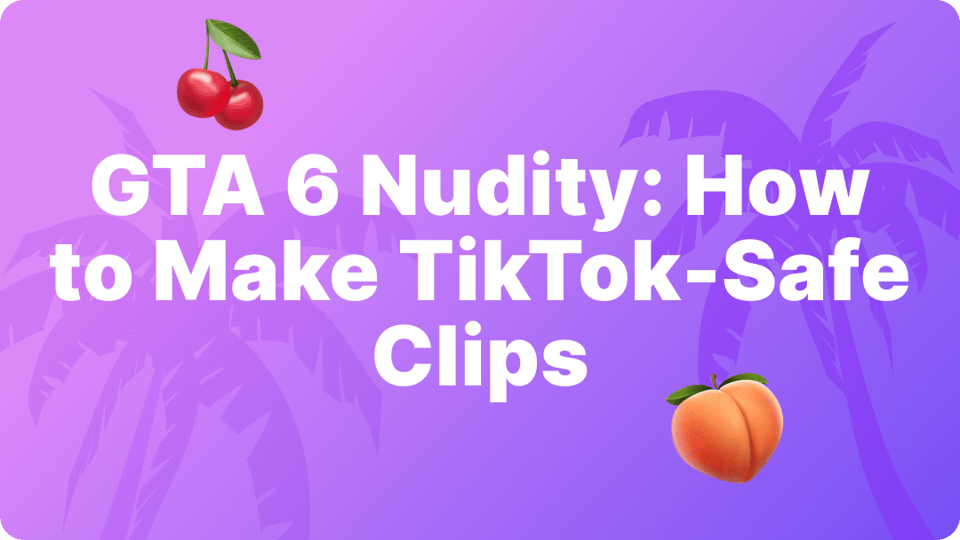
GTA 6 is finally out, and your first clips are going to be good. The problem is getting them to stay up. A clip can be muted for the song on the radio, or taken down for what's walking around in the background, for a moment that's too graphic, or for giving away the story.
All of it is easy to fix if you do it before you post. Here's how to keep licensed music out of your stream and nudity, gore and spoilers out of your clips, with a free tool that covers the nudity for you.
The short version
- Mute licensed music in GTA 6 before you go live: Settings > Audio > Mute Licensed Music.
- Check every clip before you post it: nudity in the background, anything too graphic, and story spoilers.
- Cover nudity with our free Video Censor, with a blur or an emoji and no account needed. Trim the gore, and keep the cutscenes out.
Is there nudity in GTA 6?
Yes. GTA 6 is rated Mature 17+, and the rating lists both Nudity and Strong Sexual Content.
What catches streamers out is where it shows up. South Korea's ratings board almost refused the game a rating over frequent male nudity in the background, outside any sexual scene. Reports put most full nudity on background characters in certain areas. So it can be in your frame while you're doing something else entirely.
Why GTA 6 clips get muted or taken down
Four things get GTA clips pulled:
- Licensed music. The songs on GTA radio belong to their labels, not to you. When reactions to the first GTA 6 trailer were muted on TikTok, the likely cause was the licensed song in it.
- Nudity. TikTok doesn't allow nudity and removes it. Content with implied nudity can stay up but won't be shown in the For You feed, which is where your views come from.
- Extreme violence. TikTok doesn't allow extremely graphic or violent content. Graphic violence and gore in fiction, games included, can be kept from viewers under 18, which shrinks your audience.
- Story spoilers. Rockstar's policy on fan videos lets it take down clips that show the ending, edited cutscenes or other major story reveals. More on that below.
Before you go live: keep licensed music out
Fix the music in the game, not afterwards. Once a song is in your stream, it's in every clip you make from it.
- Turn on Mute Licensed Music. It's under Settings > Audio. Licensed songs are muted, radio stations included, and the game's original score keeps playing. Here's the Mute Licensed Music setting in our PS5 guide, with a screenshot.
- Check the phone radio too. Jason and Lucia can play radio through their phones while walking. Test it once with the setting on before you rely on it.
- Don't play your own music on stream. A Spotify playlist over the game causes the same problem as the radio.
- Want music on the clip? Add it in the app. Pick a sound from TikTok's or Instagram's own library when you post, instead of using one from the stream.
Streaming from a PS5 and not sure how to get clips onto your phone? Our PS5 guide covers the settings, the Create button and the PlayStation App step by step.
After the stream: check your clips
Watch every clip to the end before you post it, and look at the whole frame, not just the action:
- Nudity in the background. A chase through the wrong part of the map can put nudity in the frame for a second, and a second is enough.
- Gore and extreme violence. GTA 6 is also rated for Blood and Gore and Intense Violence. The chaos is the clip; the goriest close-up usually isn't. Cut before it, or end the clip on the reaction instead.
- Cutscenes and story reveals. A cutscene on its own, or a big reveal, can get the clip taken down. See the next section.
Using ClipGPT on a long stream? It gives you back up to 30 edited clips, so check each one you're about to post. The ones you schedule for later too.
Spoilers: what Rockstar allows
In short: don't post Rockstar's cutscenes on their own. Its policy on fan videos covers streamers too, and it doesn't wait for the launch hype to die down:
- Gameplay is fine, as long as it doesn't set out to spoil the plot.
- Cutscenes are fine inside a full playthrough or a Let's Play with your commentary. On their own, they get removed.
- The ending, edited sequences of cutscenes or story dialogue, and other major reveals can be taken down at any time.
So clip what you did, not what the story did: the chase that went wrong, the heist that fell apart, your reaction. That's what does well on TikTok anyway.
A spoiler warning is good manners, and "no spoilers, just chaos" makes a decent hook. But a warning doesn't make a story reveal safe to post. If the clip only works because it shows the twist, keep it for the full stream.
Make the clip SFW with the Video Censor
Found nudity? You don't have to throw the clip away. Our Video Censor covers it for you, for free.
- Add your clip. Drop in an MP4, MOV or WebM file, up to 10 minutes.
- Let it scan. It finds uncovered private body parts on every frame.
- Pick how to cover them. Go for a plain blur, or pick an emoji yourself: a peach, an eggplant, cherries, a see-no-evil monkey or a flame. Or choose Auto emoji and let it pick one for you. The emoji sits on top of the blur, so nothing shows around its edges.
- Check the preview and export. You get an MP4 back at the same resolution, with the audio.
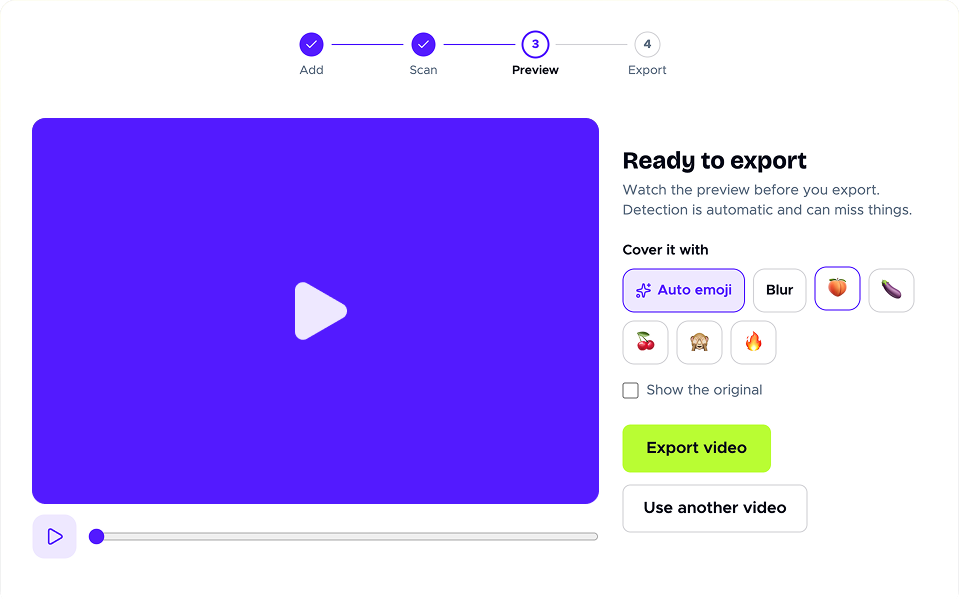
Screenshot: the preview step in the Video Censor.
It's free, with no watermark and no account. It runs in your browser, so your clip never leaves your device. It works in Chrome, Edge and Safari on a computer, and in Chrome on Android. iPhone and iPad aren't supported yet.
Detection is automatic, so it can miss things in dark scenes or when the camera moves fast. Always check the preview before you export. It covers nudity only, not faces, text, blood or swearing, so trim gory moments in the clip editor instead. Swearing has its own fix, below.
Then post it
Your clip is clean. Now make it work on TikTok:
- Make it vertical. Open it in the clip editor to crop it to vertical, frame your facecam and add captions.
- Censor the swearing. Chat got loud, and so did you? AI word censoring in the clip editor censors swear words in your clip. It's part of a StreamLadder subscription, so it's in the free trial too.
- Rather not clip by hand? Paste the link to your Twitch or Kick VOD into ClipGPT, on our website or in the StreamLadder app. You get back up to 30 fully edited vertical clips with captions, ready to post. Start with the highest virality score, check each clip before you post it, and run any clip with nudity through the Video Censor first.
- Schedule it. Post it to TikTok, YouTube Shorts and Instagram Reels with the Content Publisher, and let StreamLadder pick the posting times.
All of it is in the free 7-day trial, ClipGPT included. Cancel anytime.
Tips for GTA 6 clips that stay up
- Mute music before you go live. Once a licensed song is in your stream, it's in every clip you cut from it.
- Watch the background, not just the action. In GTA 6, nudity can be in the frame while you're busy with something else.
- Cut the goriest second. Keep the chaos and the reaction, and trim the graphic close-up. Extreme violence can get a clip removed or hidden from younger viewers.
- Clip what you did, not what the story did. Rockstar removes cutscenes posted on their own and can take down clips of the ending or major reveals.
- Use "no spoilers" as a hook, not a shield. A spoiler warning is good manners, but it doesn't make a story reveal safe to post.
- Check the phone radio. Muting the car radio doesn't help if your character is playing music on their phone.
- Add music in the app, not on stream. Use TikTok's or Instagram's own sound library when you post.
- Preview every censor. Automatic detection can miss a frame in the dark. Check before you export.
GTA 6 clips streamers are posting
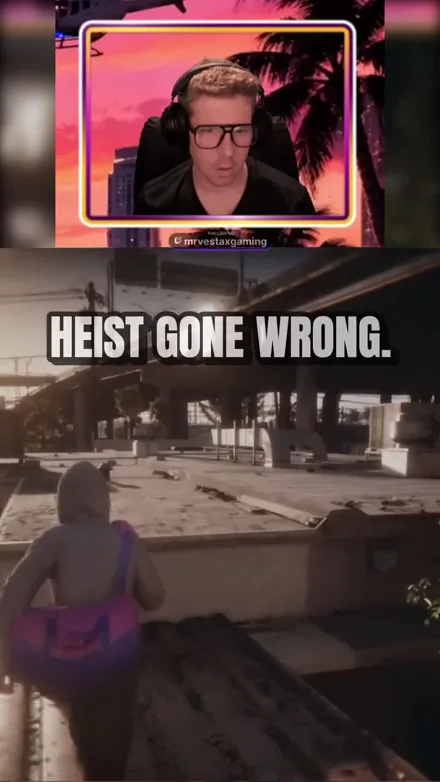
@mrvestaxgaming
robbing a place with no mask 🤡
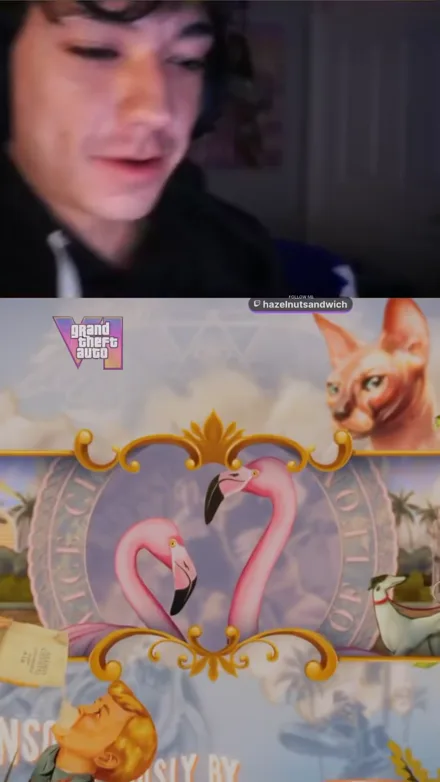
@hazelnutsandwich
Finally playing GTAVI
Original sound · hazelnutsandwich
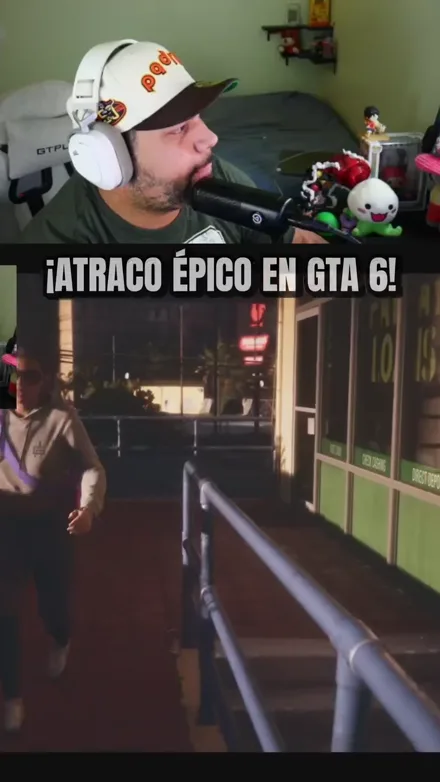
@onehandking
¡El atraco más intenso de GTA 6!
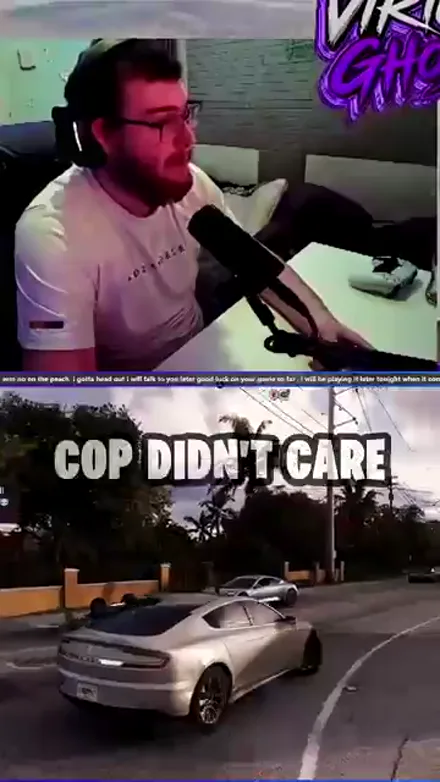
gta cops are built different 👮♂️
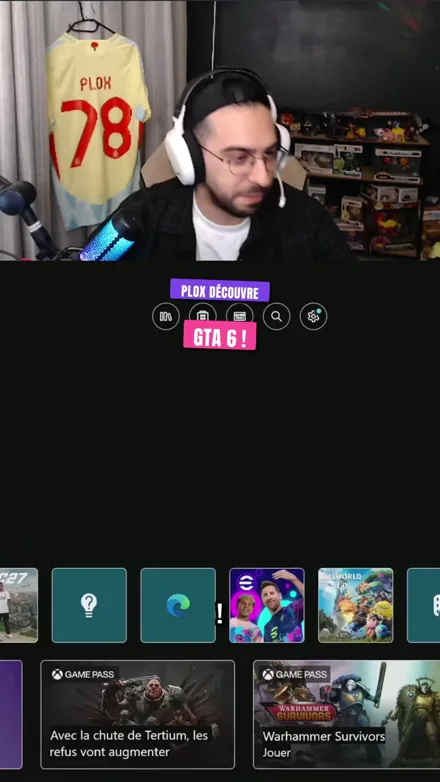
Plox
JE DECOUVRE GTA 6 EN LIVE
Original sound · Plox
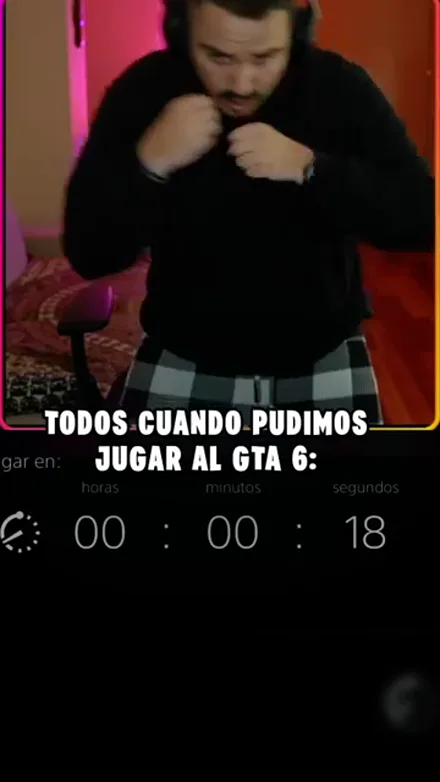
ALGUIEN REACCIONÓ IGUAL? JAJAJA
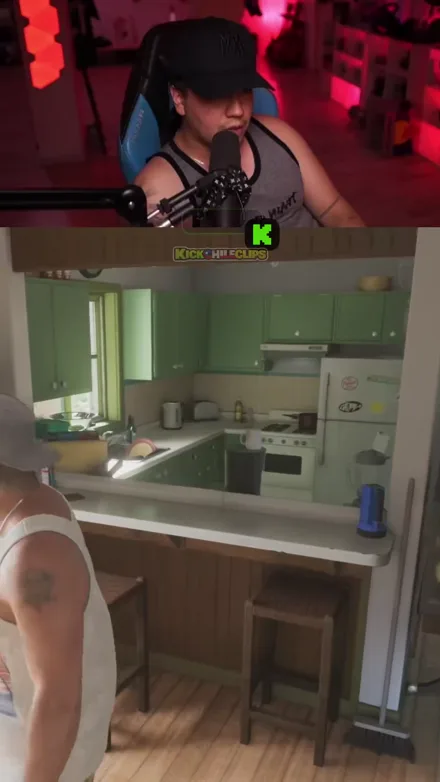
@kickchileclips
¡Norwing descubre lo más loco de GTA 6! 🤯
Original sound · kickchileclips
@mrvestaxgaming
robbing a place with no mask 🤡
@hazelnutsandwich
Finally playing GTAVI
Original sound · hazelnutsandwich
@onehandking
¡El atraco más intenso de GTA 6!
gta cops are built different 👮♂️
Plox
JE DECOUVRE GTA 6 EN LIVE
Original sound · Plox
ALGUIEN REACCIONÓ IGUAL? JAJAJA
@kickchileclips
¡Norwing descubre lo más loco de GTA 6! 🤯
Original sound · kickchileclips
How we checked
We checked GTA 6's ESRB content descriptors, the reports on South Korea's rating review (Inven Global, via Insider Gaming, Altchar and KeenGamer), Rockstar's policy on posting its material (dated 10 January 2025), TikTok's newsroom posts and its Community Guidelines on nudity and graphic content and For You feed eligibility, and Kotaku's report on muted GTA 6 trailer reactions, on 19 November 2026. The Mute Licensed Music setting is the one shown in our PS5 guide. The Video Censor details come from our own tool.
Ready to post?
Got a clip with something in it that shouldn't be? Make it SFW with the Video Censor. It's free, and your clip never leaves your device.
Happy clipping!