Team workspace for streamers and their clippers
Add your clipper or editor to your StreamLadder team workspace on Pro. They clip, edit and schedule from your streams, and only you pay. Up to 2 editors, more on request.
1-week free Pro trial · Cancel anytime
ClipGPT
What your editor can do
The same tools you use, in their hands
Your editor works in your StreamLadder with ClipGPT, the Clip Editor and the Content Publisher. You decide what goes live.

ClipGPT
Your editor runs ClipGPT on your Twitch, Kick or YouTube streams. Clips come out fully edited.

Clip Editor
Your editor fine-tunes clips with layouts, captions, stickers and sound effects.

Content Publisher
Your editor schedules clips for TikTok, YouTube Shorts and Instagram Reels.
How it works
From stream to post, without the handover
Invite your editor with a link
Create an invite link, give it a label like "My TikTok editor" and send it over. Your editor accepts with their own StreamLadder account, so you never share your password. Each link works once, and you can cancel it any time before it's used.
They clip and edit from your streams
Editors can always make, edit and export clips in your workspace. They run ClipGPT on your streams and fine-tune in the Clip Editor, and everything they make stays in your workspace. No downloading VODs, no sending files back and forth.

You choose who can post, per account
Publishing is yours to set. Give an editor View or Publish when you invite them, then adjust it per social account once they've joined: Publish on TikTok, View on YouTube, whatever fits. Remove an editor and they lose access right away.
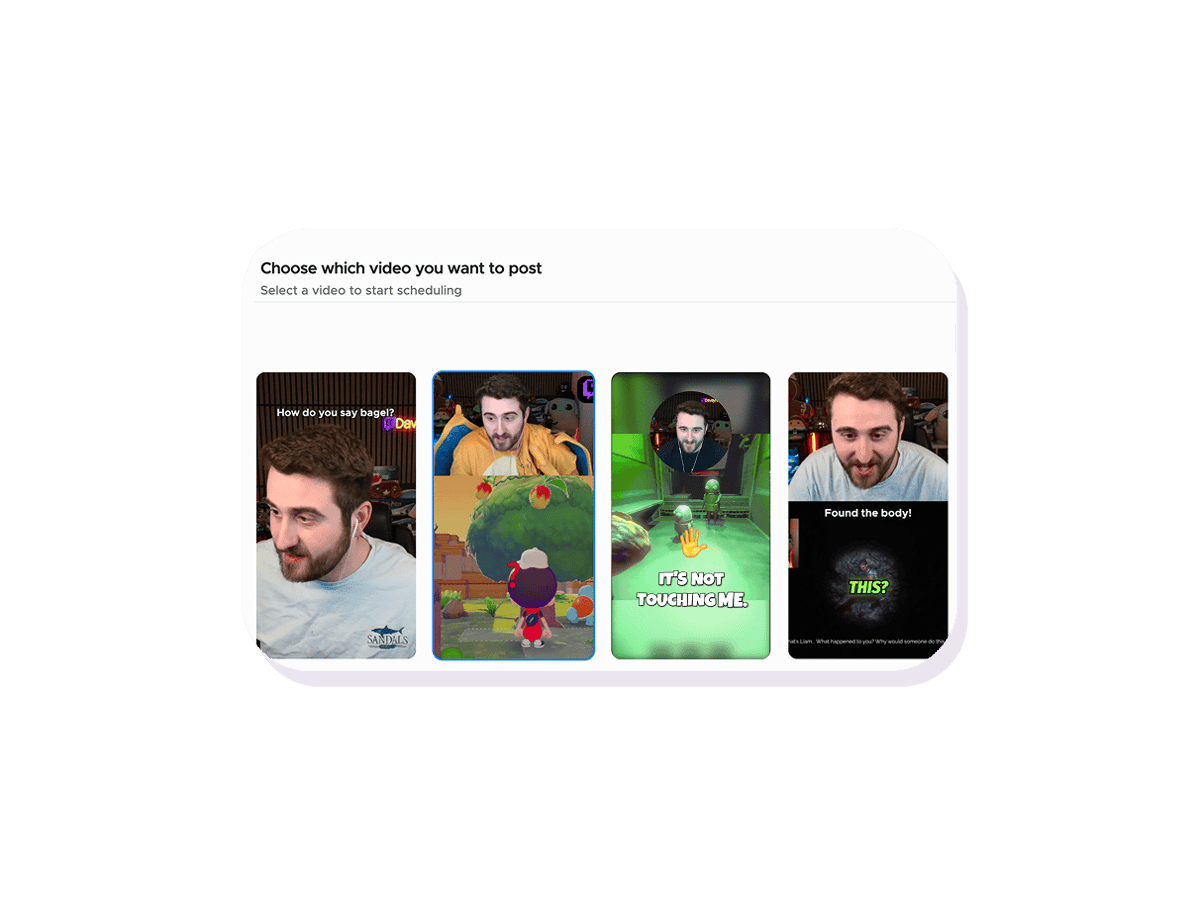
Hired a clipper? Bring them into StreamLadder
A lot of streamers grow on TikTok, Shorts and Reels with help: a friend who clips, a stream clipper you hired, a clipping agency or a small team. The hard part is the handover. VODs get downloaded and sent over, clips come back as files, and someone still has to upload them.
A StreamLadder team workspace turns that into collaborative video editing in one place. On Pro, you add up to 2 editors, or more on request. They work on your streams with ClipGPT, edit in the Clip Editor and schedule in the Content Publisher, all inside your workspace.
Only you need a plan. Your editors don't pay for their own subscription. Working with a clipping agency? Add their clippers to your workspace as editors, so they clip straight from your streams.
You stay in control of your socials. You choose who can post, so your editor can fill the schedule while you keep the final say. It all works on mobile too: you and your editor can clip, edit and schedule from the StreamLadder app on iOS and Android. Comparing tools first? See how StreamLadder compares with other clipping tools.
12 million clips made by 1 million streamers
Real clips made by real creators using StreamLadder - totalling over a hundred million views.
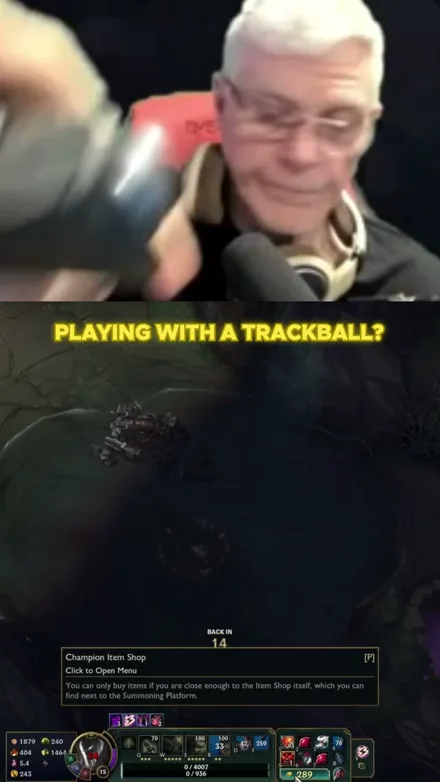
@gamerdadtv
I Play League With A Trackball?!
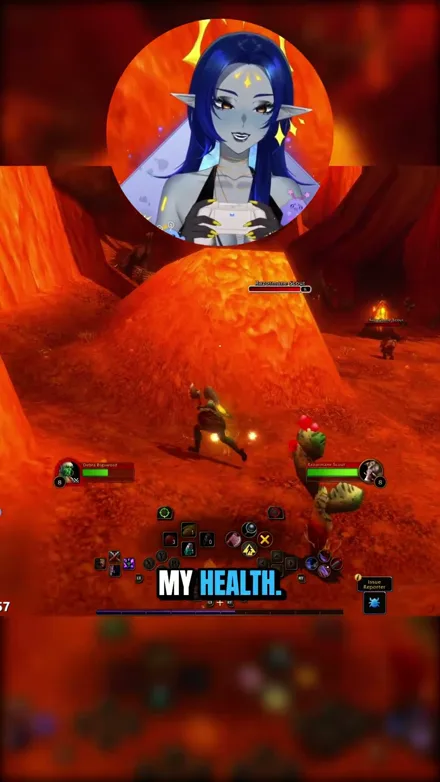
@voidqueene
The quilboars are too aggressive, I pulled everything!
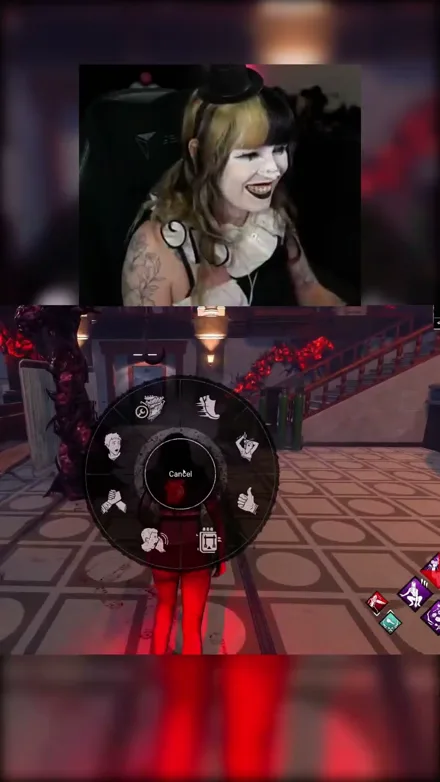
@abolishegirls
So that did not go as planned...
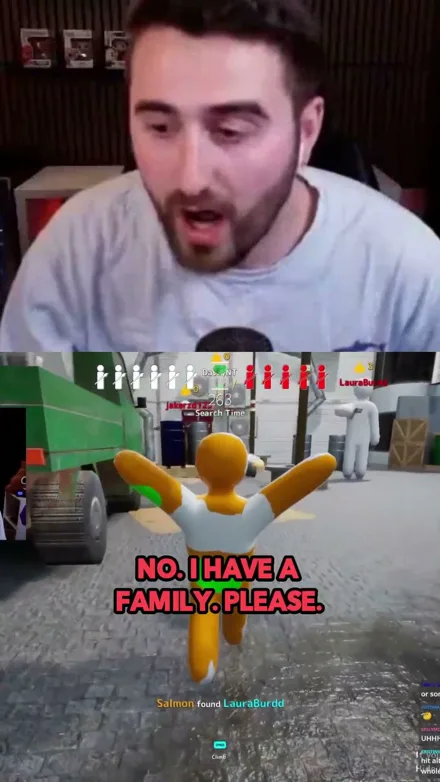
@daveynt
WHAT A GREAT GAME
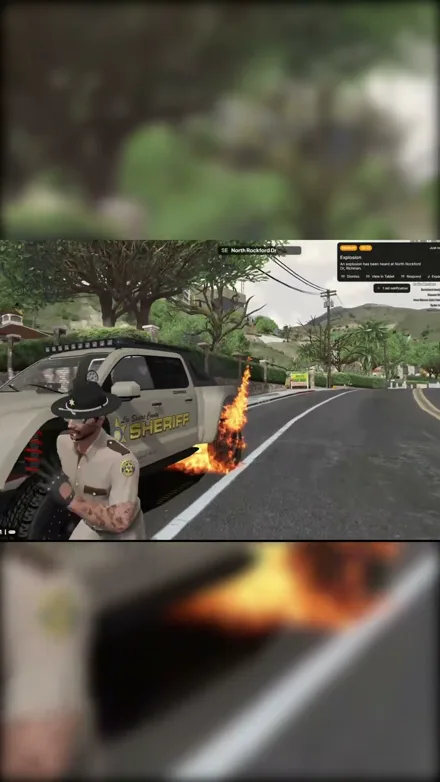
@kekosix
EXPLOSIONS!!
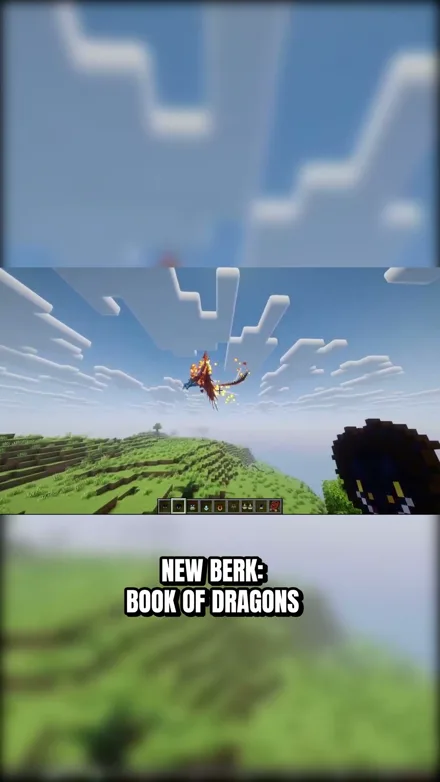
@unluckyfelis
The strongest dragon in Minecraft?
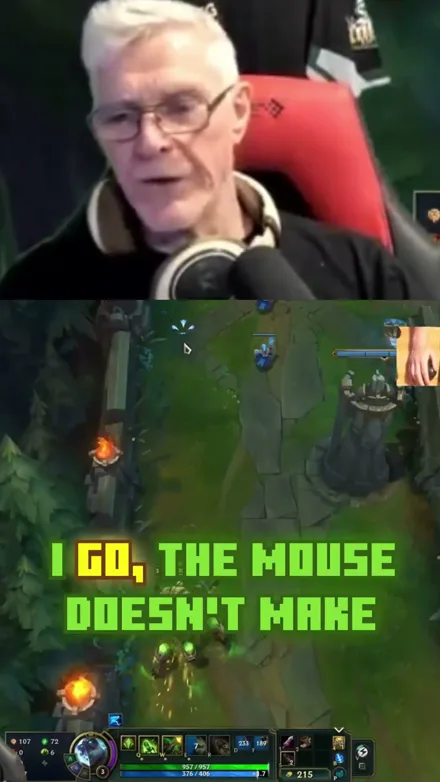
@gamerdadtv
Stop HATING on my mouse
Original sound · gamerdadtv
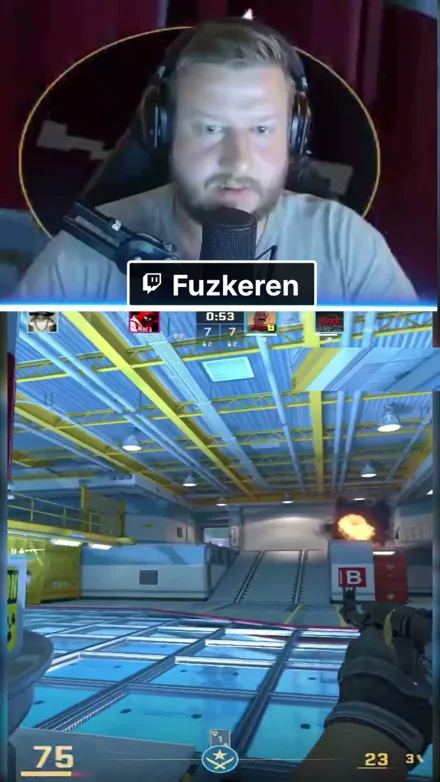
@fuzkeren
Easy 2v5 with Zakamusen
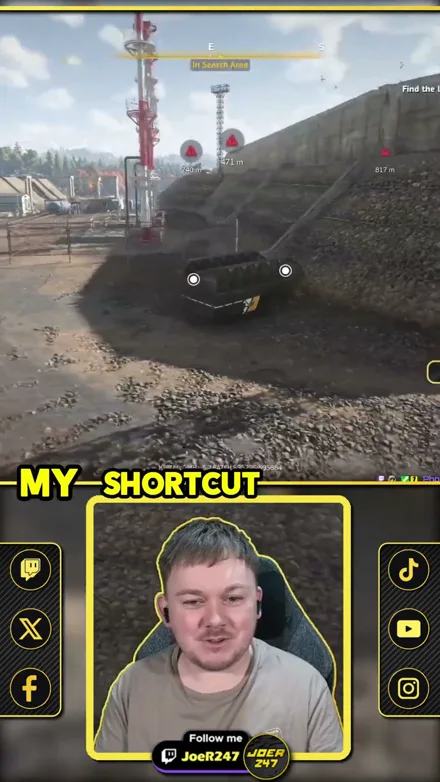
@joer247
RoadCraft Shortcut Disaster!
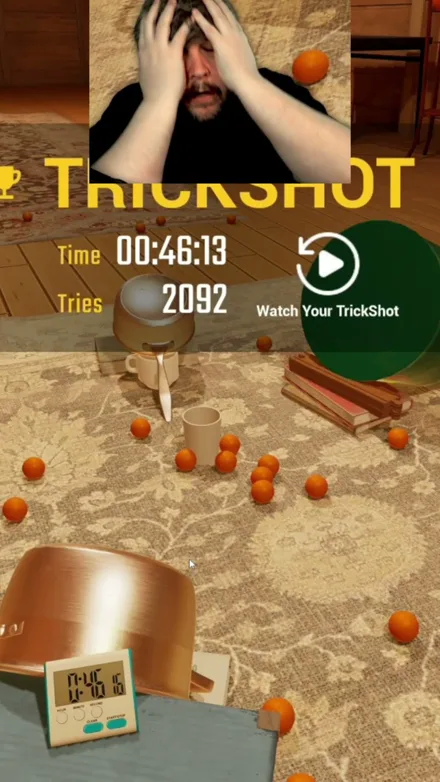
@brucecooper
Finally got the trickshot
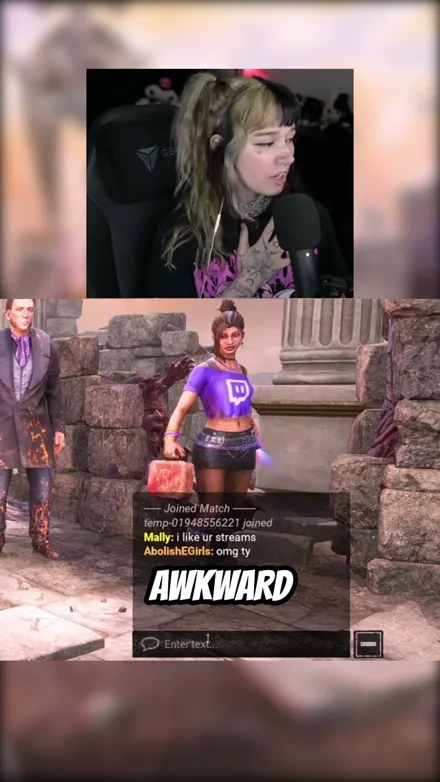
@abolishegirls
Watch me get humbled
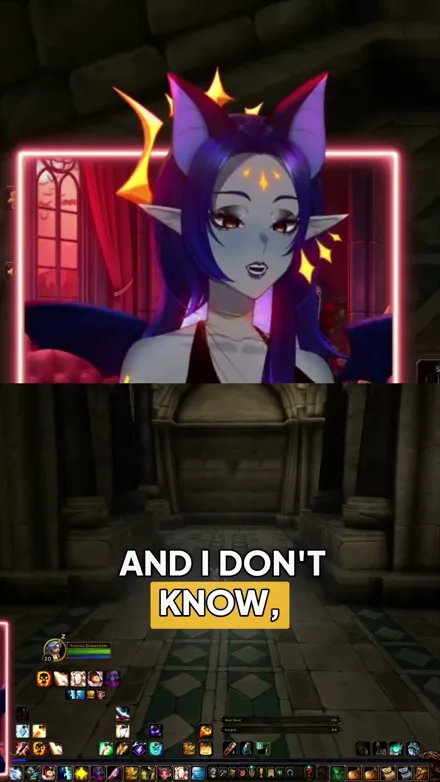
@voidqueene
Why must trolls have their grippers out?!
@gamerdadtv
I Play League With A Trackball?!
@voidqueene
The quilboars are too aggressive, I pulled everything!
@abolishegirls
So that did not go as planned...
@daveynt
WHAT A GREAT GAME
@kekosix
EXPLOSIONS!!
@unluckyfelis
The strongest dragon in Minecraft?
@gamerdadtv
Stop HATING on my mouse
Original sound · gamerdadtv
@fuzkeren
Easy 2v5 with Zakamusen
@joer247
RoadCraft Shortcut Disaster!
@brucecooper
Finally got the trickshot
@abolishegirls
Watch me get humbled
@voidqueene
Why must trolls have their grippers out?!
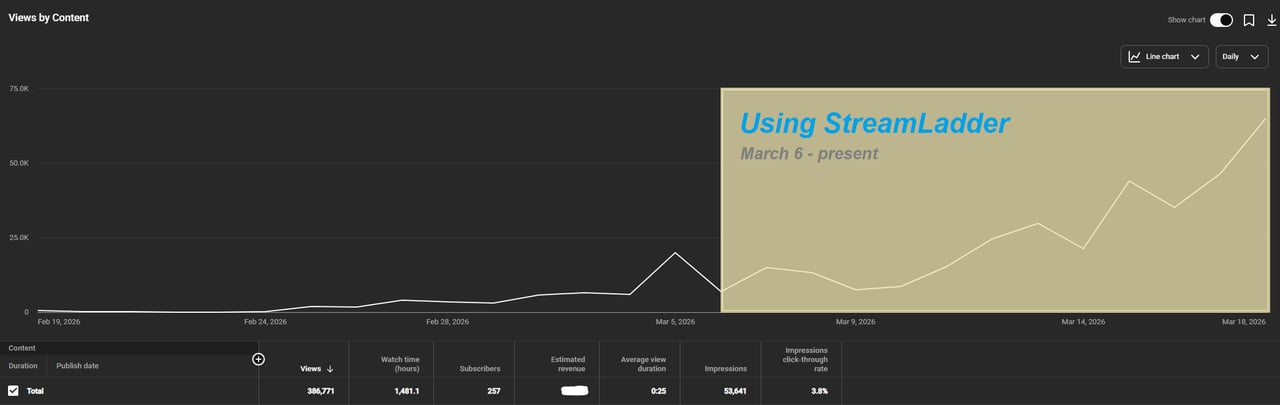
"StreamLadder's ClipGPT actually knows what clips will go viral. 48% of my sub growth from shorts was within just the last 2 weeks."

FAQ
Frequently asked questions
A workspace lets you add your editor or clipper to your StreamLadder. They clip your streams with ClipGPT, edit in the Clip Editor and schedule posts in the Content Publisher.
Workspaces come with the Pro plan.
On your Team page, create an invite link and send it to your editor. They accept with their own StreamLadder account. Each link works once, and you can cancel it before it is used.
Yes. Remove them on your Team page and they lose access right away. You can invite them again any time.
Yes. Workspaces work in the StreamLadder app for iOS and Android, so you and your editor can clip, edit and schedule from your phone.
Up to 2 editors on Pro. Need more? Ask us and we can add more.
No. Only the workspace owner pays. Your editors don't need a subscription of their own.
Only if you let them. Each editor gets View or Publish for publishing. You pick it on the invite and can change it per social account after they've joined.
Yes. Add the agency's clippers to your workspace as editors. Pro includes 2 editors, and you can ask us for more.
No. Twitch's editor role lets someone help run your Twitch channel: stream info, uploads, past broadcast downloads and clip management. You add one in your Creator Dashboard under Community, then Roles Manager. A StreamLadder workspace is separate: it's where your editor clips, edits and schedules your shorts. You don't need one for the other.
Yes, with a Pro trial. If you haven't had a trial yet, start Pro with a 1-week free trial from the upgrade page and invite your editor right away. The standard 7-day trial covers everything else in StreamLadder, but not adding editors.