"StreamLadder's ClipGPT actually knows what clips will go viral. 48% of my sub growth from shorts was within just the last 2 weeks."
TanisAtTheDisco
Updated November 2026
StreamGen clips Twitch VODs and includes AI clipping on its free plan. StreamLadder clips Kick as well as Twitch with no cap on streams per month, and posts to more platforms, also from your phone.
The short answer
StreamLadder and StreamGen are both made for streamers, and both find clips in a stream and score them. They differ in reach. StreamGen works with Twitch VODs and counts streams per month, and its free plan includes AI clipping, which StreamLadder's free plan doesn't. StreamLadder's ClipGPT takes Kick streams as well as Twitch, has no cap on streams on Creator and Pro, posts to Facebook and X too, and has a phone app. Every StreamLadder feature is free to try for 7 days.
StreamGen is a browser-based AI clipping tool for Twitch streamers. You add a Twitch VOD, StreamGen looks at chat and audio to find clip-worthy moments and gives each an AI clip score. On its paid plans it posts and schedules clips to TikTok, YouTube Shorts and Instagram Reels.
| Feature | StreamLadder | StreamGen |
|---|---|---|
| Where your streams come from | Twitch and Kick by link, or an upload up to 10 GB | Twitch VODs; uploaded videos need its Ultimate plan |
| What you get back | Finished clips, ready to post: layout, facecam, captions, hashtags and hook | Scored clips you turn into shorts in its editor; Autopilot on Ultimate does it for you |
| How much you can clip | Unlimited on Creator and Pro, within fair use | 3 streams a month on free, 60 on Plus, 150 on Ultimate |
| Trying AI clipping without paying | 7-day free trial of every feature | On the free plan: 3 streams and 5 exports a month, no watermark |
| AI clips from a 4-hour stream | Up to 30 | 8 on free, 16 on Plus, 32 on Ultimate |
| Import Kick streams by link | ||
| Post and schedule to TikTok, YouTube and Instagram | From Starter | From Plus |
| Post to Facebook and X | ||
| Mobile app for iOS and Android | None found in the App Store or Google Play | |
| Hands-off mode that imports, clips and edits new streams | Autopilot, on Ultimate | |
| Working with an editor | Up to 2 editors on Pro, more on request | One team slot on its top plan, extra members cost extra |
The comparison
Paste a link to a Twitch or Kick stream and ClipGPT scans the whole stream. Sub-only Twitch VODs import once you link your Twitch account, and YouTube streams go in as an upload, up to 10 GB.
StreamGen clips Twitch VODs on every plan, free included. We didn't find Kick import on StreamGen's pages, and clipping a video you upload needs its Ultimate plan.
Winner: StreamLadder. ClipGPT takes Twitch and Kick streams by link; StreamGen is Twitch only.
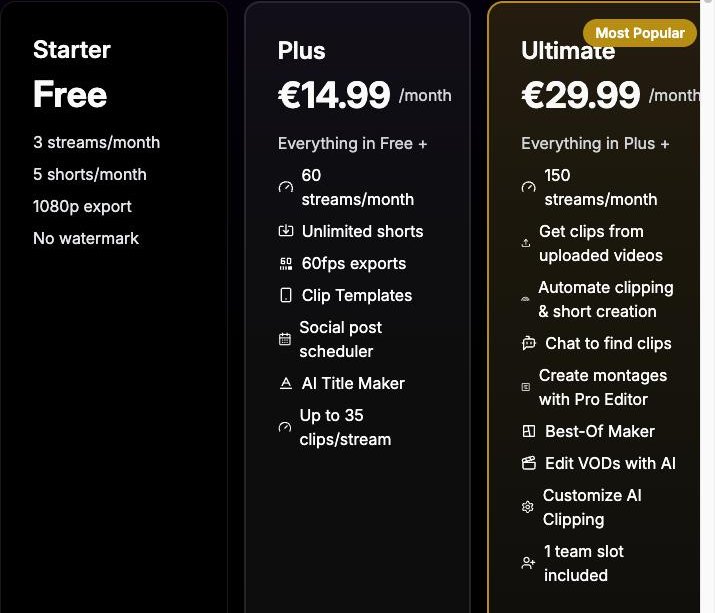
StreamGen counts streams. Its pricing page lists "3 streams/month" on the free plan, "60 streams/month" on Plus and "150 streams/month" on Ultimate, with a set number of clips per stream hour on each.
ClipGPT has no stream count. It's unlimited on Creator and Pro, within fair use, with up to 30 finished clips per stream. If you stream once a day or less, StreamGen's 60 a month on Plus covers you too; the free plan's 3 a month is the limit you'd notice.
Winner: StreamLadder. No cap on streams on Creator and Pro; StreamGen's plans allow 3, 60 or 150 a month.
More with StreamGen. Its free plan clips 3 Twitch streams a month with AI, up to 8 hours each, and lets you export 5 clips a month at 1080p with no watermark. Its AI captions, silence remover, word censoring and auto layout can each be used once a day.
StreamLadder's free plan is a clip editor: import a clip, crop it to vertical with a ready-made layout and export it at 720p, with no watermark on basic edits. To try ClipGPT, captions and scheduling, start the 7-day free trial and cancel any time.
Winner: StreamGen. Its free plan includes AI clipping of 3 Twitch streams a month; StreamLadder's free plan is a clip editor.
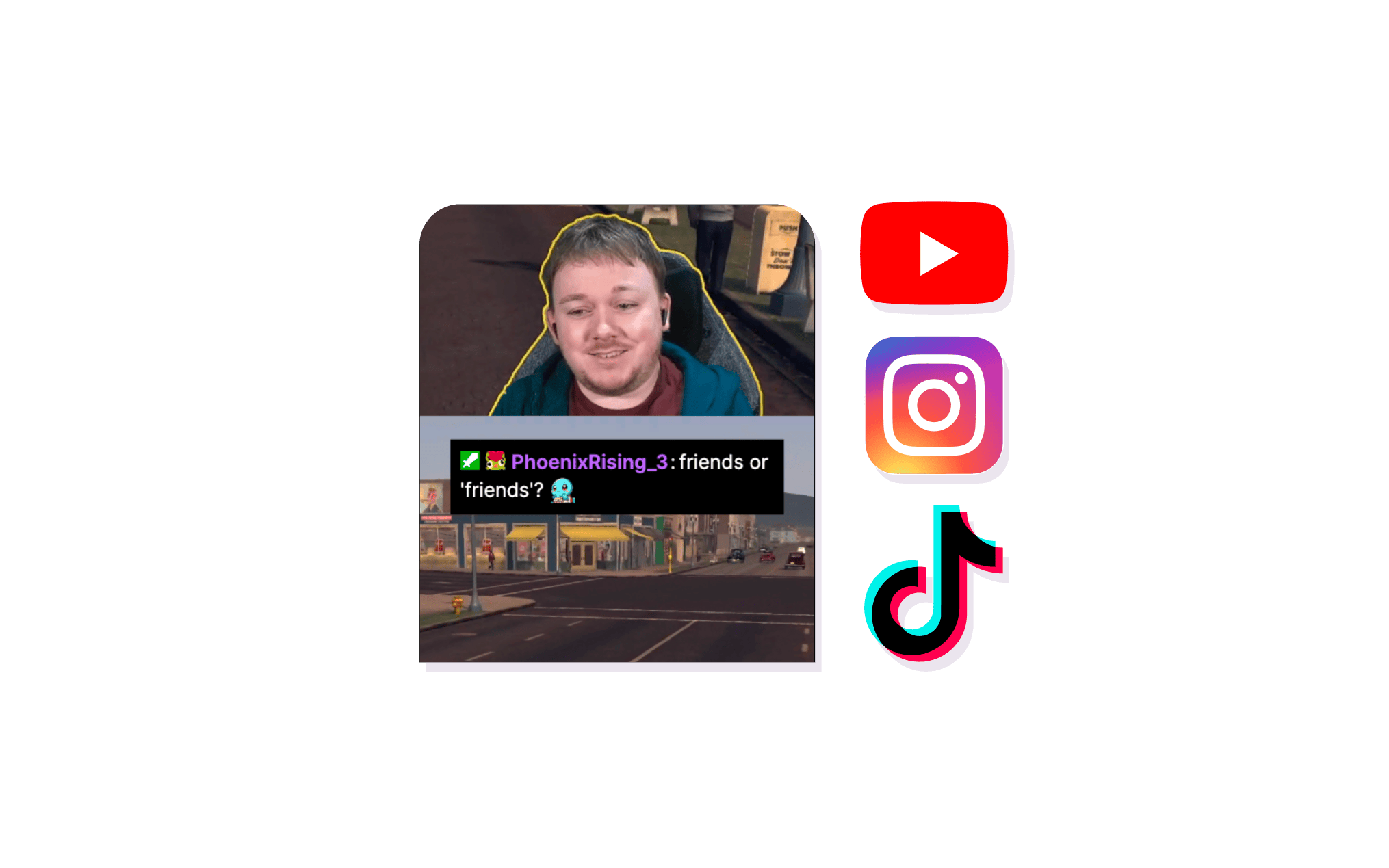
ClipGPT returns finished clips: cropped to vertical, facecam framed (V-Tubers included), captions synced, hashtags and a hook title added. Post them as they are, or open the editor if you want to change something.
StreamGen ranks the clips it finds with a score and a short reasoning, and its pages describe turning them into shorts as a second step in its editor. Its Autopilot, on the Ultimate plan, does the whole run for you: "Auto-import streams, find clips and create shorts. No manual work."
Both tools let you say what you're after. On Ultimate, StreamGen lets you describe what makes your clips funny to tune its clipping, and it builds montages and best-ofs. With Find clips you tell ClipGPT what you're looking for in your own words, like "the funniest moments" or "every time chat went wild", and it finds those moments in your stream and returns them as edited clips. Montage Maker combines your clips into one horizontal video for YouTube.
Close. Both get you to a finished short. ClipGPT returns it edited on Creator; StreamGen's Autopilot does that on Ultimate.
Both post and schedule to TikTok, YouTube and Instagram on a paid plan. StreamLadder also posts to Facebook from Starter and to X on Pro, on the web or in its apps for iOS and Android.
StreamGen posts to TikTok, YouTube Shorts and Instagram Reels on Plus and Ultimate. It runs in your browser: we found no StreamGen app in the App Store or Google Play.
Winner: StreamLadder. StreamLadder also posts to Facebook, and to X on Pro; StreamGen posts to three platforms.
In our test on the same 4-hour Twitch stream, StreamGen's free plan had 8 clips ready about a minute after we added the stream, the most that plan allows for 4 hours. ClipGPT took about 5 minutes and found more clips, and more of them were usable after light edits.
Split. StreamGen was quicker; ClipGPT gave more usable clips.
What each plan includes, and where the limits are.
| Plan | StreamLadder | StreamGen |
|---|---|---|
| Free |
| Starter
|
| Free trial |
| We didn't find a trial of its paid plans |
| Entry | Starter
| Plus
|
| Mid | Creator
| Ultimate
|
| Top | Pro
| No higher plan |
| Extra charges |
|
|
| 4-hour streams, 2 to 5 a weekWhich plan covers it (about 9 to 22 streams a month) | Creator
| Plus
|
Prices can change, so we don't list them here. See StreamLadder pricing.
The verdict
you stream on Kick as well as Twitch, or want your clips on more platforms.
you only stream on Twitch and want AI clipping on a free plan.
Get started
"StreamLadder's ClipGPT actually knows what clips will go viral. 48% of my sub growth from shorts was within just the last 2 weeks."
"It has made it way easier for me to schedule posts across platforms in batches - tripling overall views on YT in the last 28 days."

"Since I started the creator accelerator program I've gained over 100% viewership on all my channels!"

"StreamLadder has helped me TRIPLE my viewers across all platforms on all my short form videos!"

"I have went from 0 views on YouTube to over 8k views in the past 28 days. I have content uploading 2x a day now."
"I have seen over a 50% viewership on TikTok and over 10k views on YouTube."
"Views went on YouTube being 200 normal to now 1k or higher in most situations thanks to scheduled posting on multiple platforms."

"I now have solid consistency over on my previously quiet Instagram, with some more eyes on my TikTok too!"

"I went from uploading maybe a couple clips a month, to several clips PER DAY. As a result, I have been getting more views than ever!"

"I've started using StreamLadder more frequently and I've seen a huge increase in engagement and views especially on YouTube!"

"This has been such an amazing tool and it has helped me grow on all platforms."

"6 new shorts from one 2 hour stream. 30 shorts posted in 30 days. 100,000+ views. 500+ subs. Took less than 30 minutes."
"Since using streamladder - I've gotten over 3.5 million views across Instagram, YouTube, and TikTok."
"helped me grow my clipping channels from 5k to 200k viewers per month over this last month"
"recently had my first reel with 1 million views and StreamLadder certainly played a part in that"
"I've seen an increase of 652% more views in the past month on my YouTube Channel"
"Very first day I used StreamLadder, I created a clip that went viral on YouTube and TikTok"
"I just stream, and ClipGPT turns my mess into moments. Straight up magic."
"I've grown about 100 new subs and 1000 new followers/subscribers over the last week."
StreamGen clips Twitch VODs, counts streams per month and includes AI clipping on its free plan. StreamLadder's ClipGPT takes Kick streams as well as Twitch, has no cap on streams on Creator and Pro, posts to Facebook and X too, and has a phone app.
Yes. StreamGen's free plan includes AI clipping of 3 Twitch streams a month, up to 8 hours each, with 5 exports a month at 1080p and no watermark. StreamLadder's free plan is a clip editor you can export from, and a 7-day free trial unlocks ClipGPT.
StreamGen clips Twitch VODs on every plan, and its Ultimate plan also clips videos you upload. We didn't find Kick import on its pages. StreamLadder's ClipGPT takes Twitch and Kick streams by link, and YouTube streams by upload, up to 10 GB.
It depends on where you stream and post. StreamGen's free plan includes AI clipping, and it was quicker in our test on the same 4-hour stream, where ClipGPT found more clips, with more usable ones. StreamLadder clips Kick streams as well as Twitch, posts to Facebook and X as well as TikTok, YouTube and Instagram, and has apps for iOS and Android.
Yes. ClipGPT scans full Twitch and Kick streams, or uploads up to 10 GB, and picks the moments most likely to get views on social media. Clips come back fully edited: cropped to vertical, facecam framed, with captions, hashtags and a hook. It's unlimited on Creator and Pro, within fair use.
No. StreamLadder doesn't use credits or count minutes. ClipGPT is unlimited on the Creator and Pro plans, within fair use, so you can clip every stream you do. Every feature is free to try for 7 days.
Yes. Link your Twitch account and ClipGPT can import your subscriber-only VODs as well as public ones.
Download the StreamGen clips you want to keep. As long as your VODs are still on Twitch, you can paste their links into StreamLadder and let ClipGPT clip them again.
Yes, on Pro. Invite up to 2 editors to your workspace, or more on request. Only you need a plan. They can clip, edit and schedule from your streams, and you choose who can post to your socials. StreamGen includes one team slot on its top plan, and extra members cost extra.
In September 2026 we ran the same 4-hour League of Legends stream from Twitch through both tools once each: StreamGen on its free plan, and ClipGPT, which comes with StreamLadder's Creator and Pro plans. We timed each until all its clips were ready, counted the clips, and checked which were usable after light edits, meaning clips we'd keep after trimming or picking a layout.
| StreamLadder | StreamGen | |
|---|---|---|
| Time until all clips were ready | About 5 minutes | 1 min 05 s |
| Clips returned | More than 8 | 8 (the most the free plan allows for 4 hours) |
StreamGen was quicker; ClipGPT returned more clips, and more of them were usable after light edits. For StreamGen's plans and limits we used its pricing page, for how it picks and scores clips its homepage and its Twitch clip generator page. StreamGen's pricing page shows the free plan's limit as 3 streams a month in one place and 6 in another; we use 3, the number on its plan card. A ✗ in the at-a-glance table means we didn't find the feature on StreamGen's own pages.
Plans can change. If something here is out of date, tell us on our Discord or through the support chat in our user guides.
Real clips made by real creators using StreamLadder - totalling over a hundred million views.
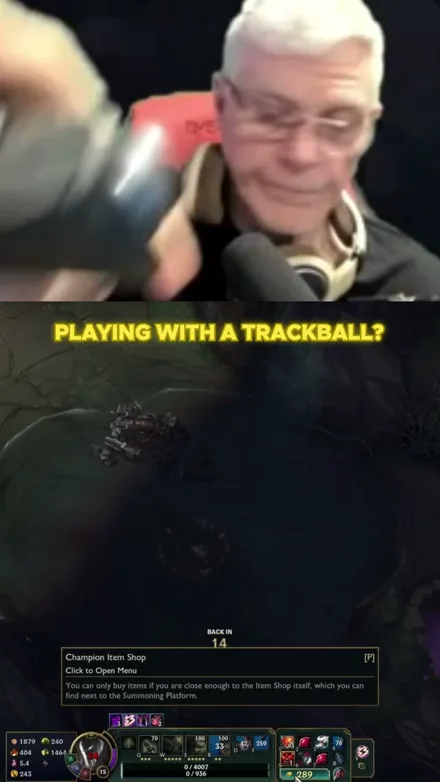
@gamerdadtv
I Play League With A Trackball?!
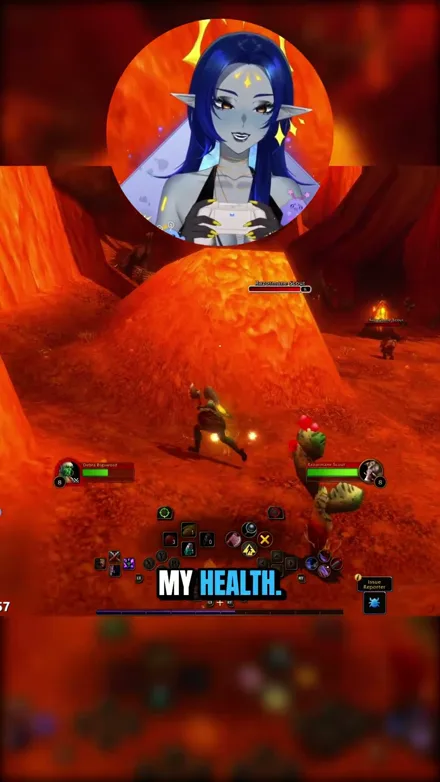
@voidqueene
The quilboars are too aggressive, I pulled everything!
@abolishegirls
So that did not go as planned...
@daveynt
WHAT A GREAT GAME
@kekosix
EXPLOSIONS!!
@unluckyfelis
The strongest dragon in Minecraft?
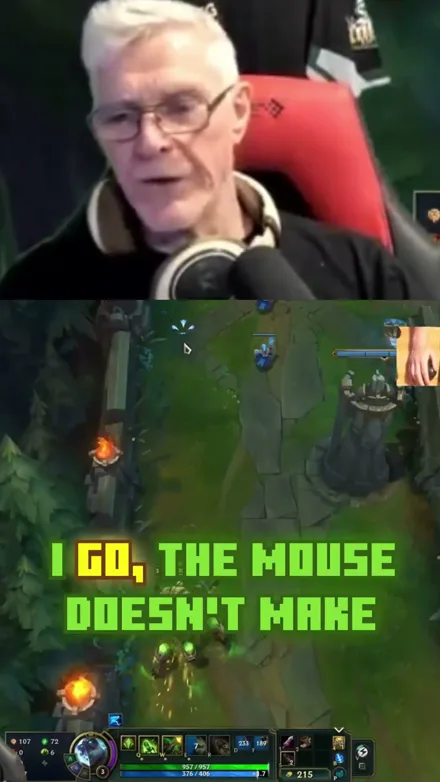
@gamerdadtv
Stop HATING on my mouse
Original sound · gamerdadtv
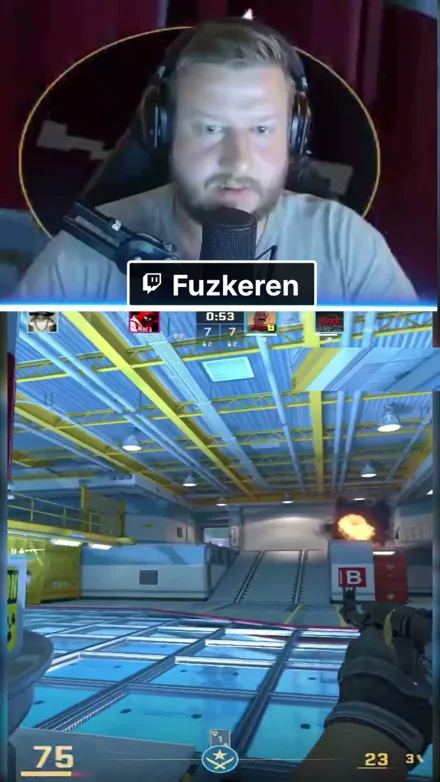
@fuzkeren
Easy 2v5 with Zakamusen
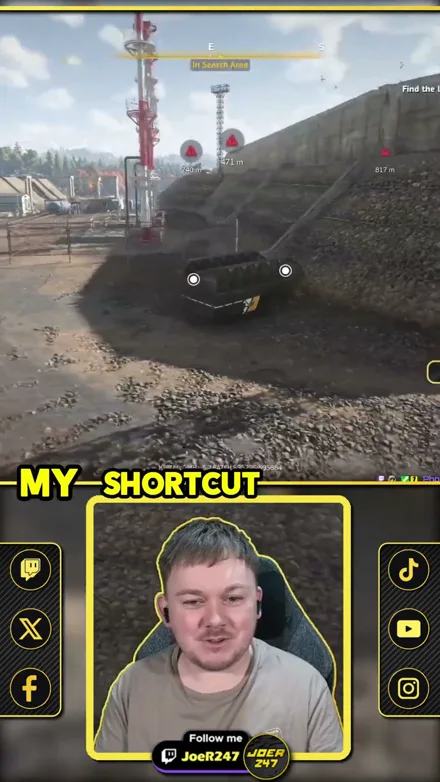
@joer247
RoadCraft Shortcut Disaster!
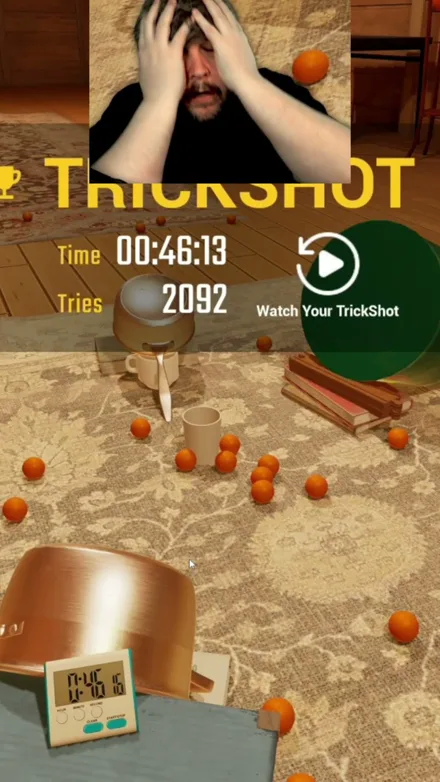
@brucecooper
Finally got the trickshot
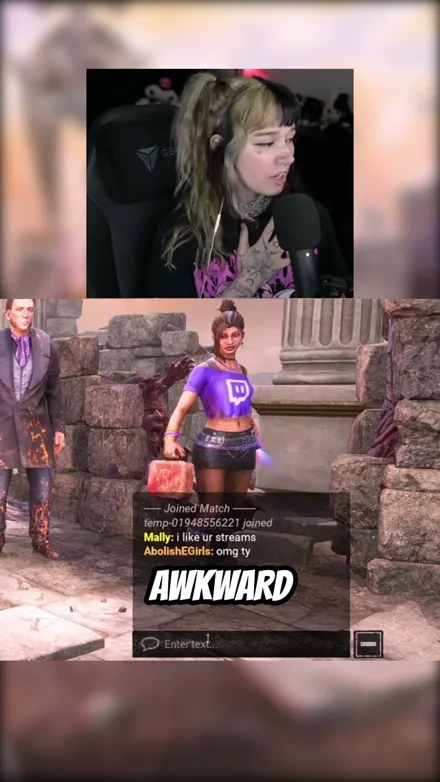
@abolishegirls
Watch me get humbled
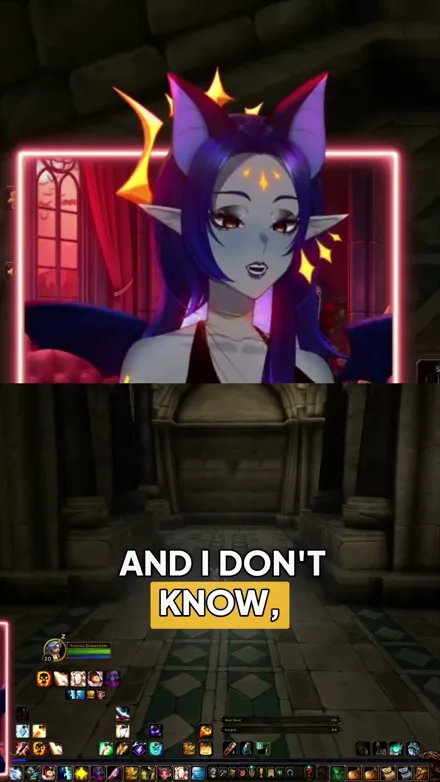
@voidqueene
Why must trolls have their grippers out?!
@gamerdadtv
I Play League With A Trackball?!
@voidqueene
The quilboars are too aggressive, I pulled everything!
@abolishegirls
So that did not go as planned...
@daveynt
WHAT A GREAT GAME
@kekosix
EXPLOSIONS!!
@unluckyfelis
The strongest dragon in Minecraft?
@gamerdadtv
Stop HATING on my mouse
Original sound · gamerdadtv
@fuzkeren
Easy 2v5 with Zakamusen
@joer247
RoadCraft Shortcut Disaster!
@brucecooper
Finally got the trickshot
@abolishegirls
Watch me get humbled
@voidqueene
Why must trolls have their grippers out?!