Schedule your stream clips to Facebook Reels
Post clips to your Facebook Page as Reels without uploading them by hand. Schedule them from desktop or mobile and StreamLadder publishes on time.
Schedule to Facebook
Reach your Facebook audience with Reels
Plenty of your viewers still hang out on Facebook, and Reels are the easiest way to show up in their feed. StreamLadder lets you schedule Reels to your Facebook Page from your computer or the StreamLadder mobile app - pick a clip, add a title and description, set the time, and walk away.
Edit clips in the Clip Editor first, then schedule them to Facebook right from the export screen. Or let ClipGPT find your highlights and queue them up in one session.
Connect a Facebook Page you manage and StreamLadder handles the upload. Let StreamLadder pick your best posting times automatically, or set your own.
Post the same clip to Instagram Reels, TikTok, and YouTube Shorts at the same time. Use saved hashtag sets to keep your captions consistent across platforms.
Schedule to Facebook
How to schedule clips to Facebook
Connect your Page, pick your clip, let StreamLadder post.
01

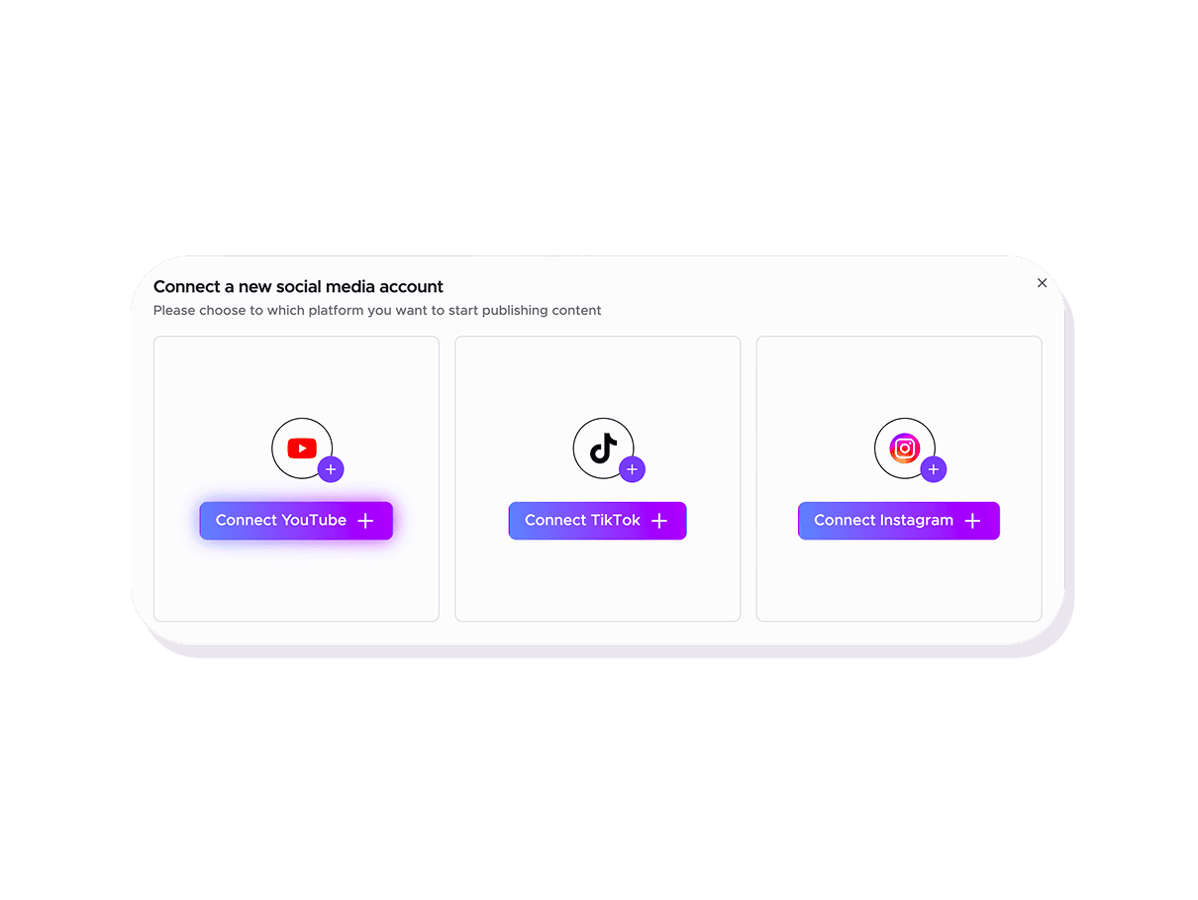
Connect your Facebook Page
Link a Facebook Page you manage in the Content Publisher. One-time setup takes under a minute.
02
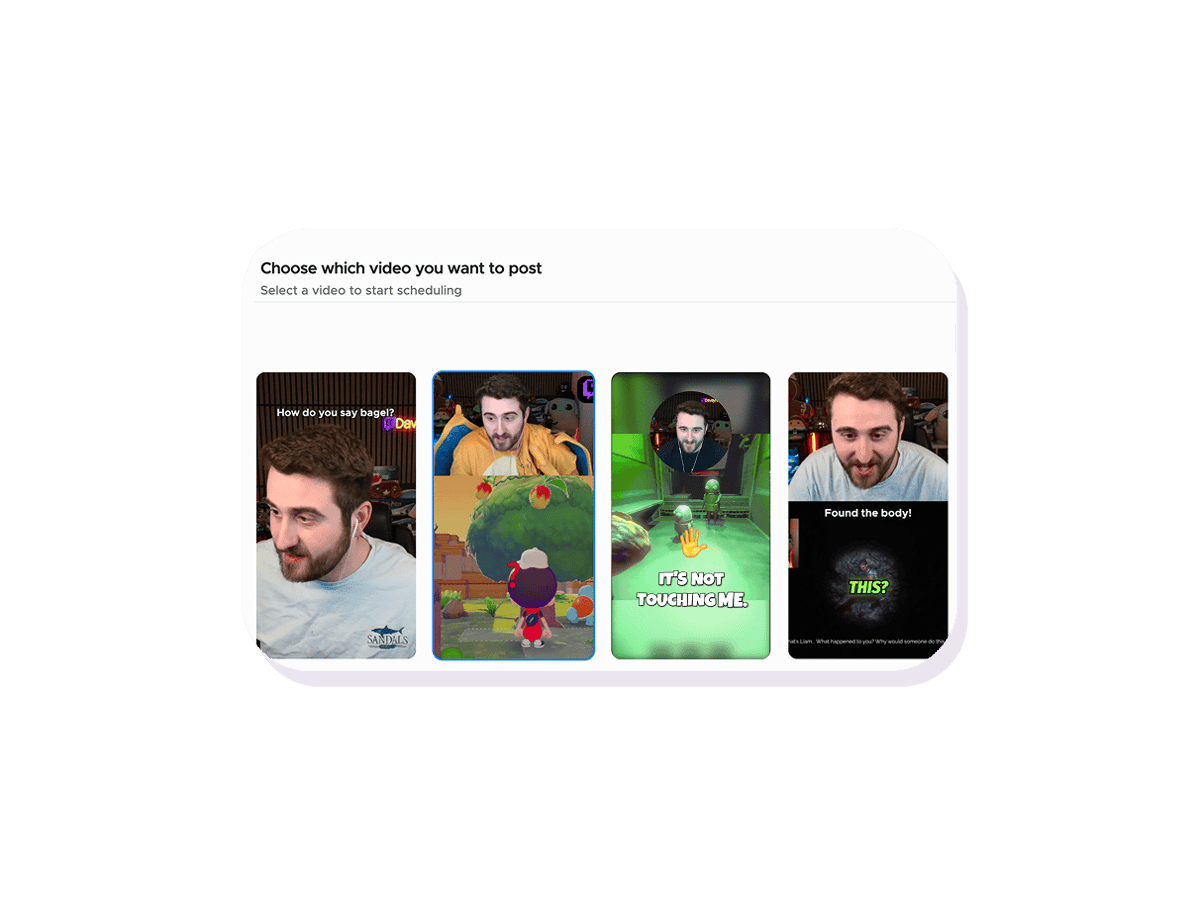
Add a title and description
Pick a clip from your library, write a title and description, and use the automatic best time or set your own.
03
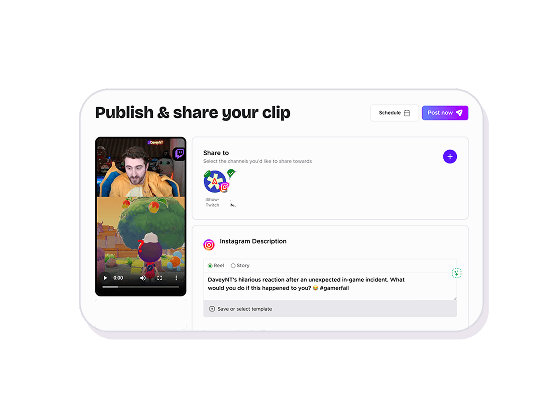
Your Reel goes live
StreamLadder publishes your Reel to your Page at the scheduled time. No manual uploads needed.
Content Publisher
Schedule and auto-publish to Facebook Reels
Post clips to your Facebook Page as Reels without uploading them by hand. Schedule them from desktop or mobile and StreamLadder publishes on time.
Post Reels to your Page from desktop or mobile
No more downloading clips and uploading them to Facebook one by one. Schedule Reels to your Page from your computer or phone and StreamLadder takes care of the upload.
Title, description and AI disclosure
Give every Reel its own title and description, and mark AI-generated content when it applies. Everything Facebook asks for, filled in before the post goes out.
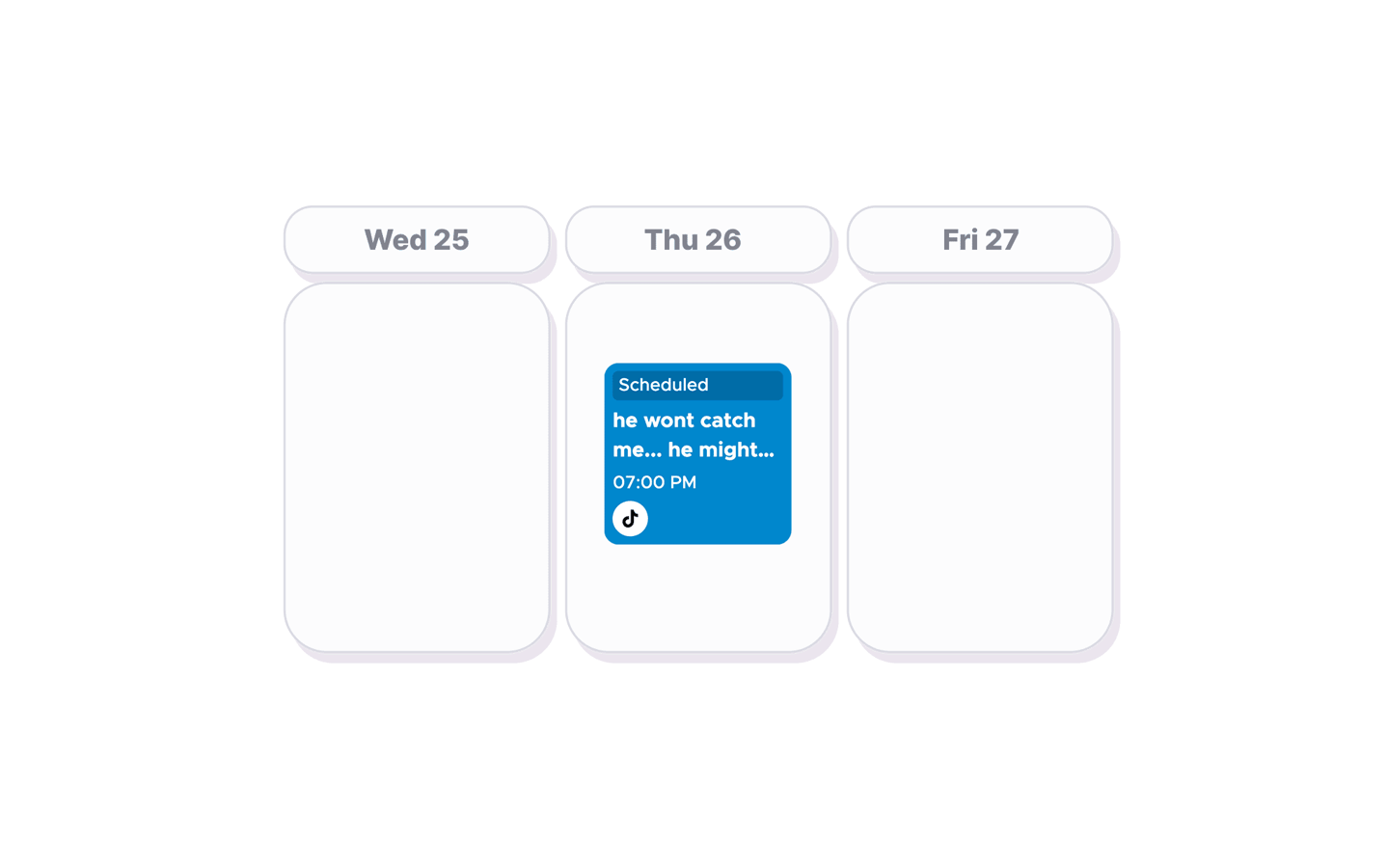
Multi-platform posting
Schedule the same clip to Facebook, Instagram, TikTok, and YouTube from one screen. One session, every platform covered.
Explore Content Publisher features
12 million clips made by 1 million streamers
Real clips made by real creators using StreamLadder - totalling over a hundred million views.
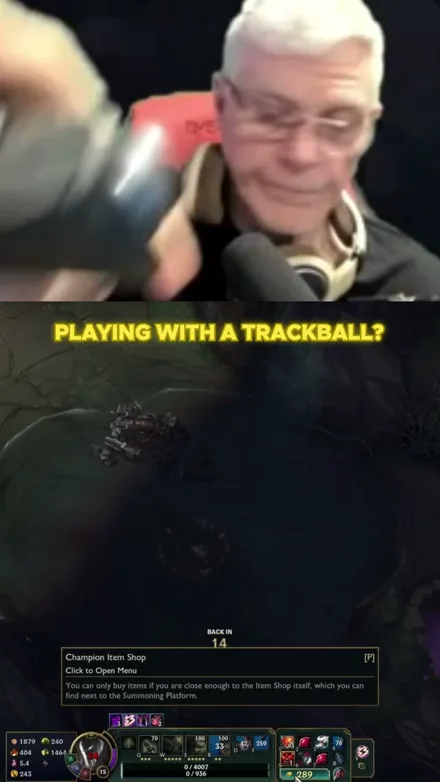
@gamerdadtv
I Play League With A Trackball?!
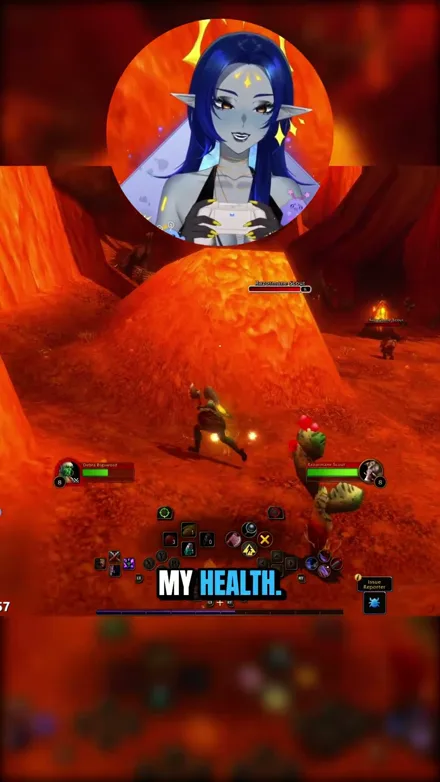
@voidqueene
The quilboars are too aggressive, I pulled everything!
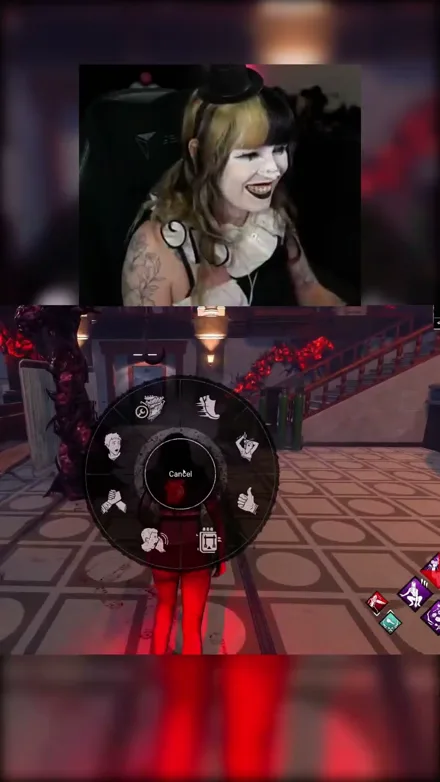
@abolishegirls
So that did not go as planned...
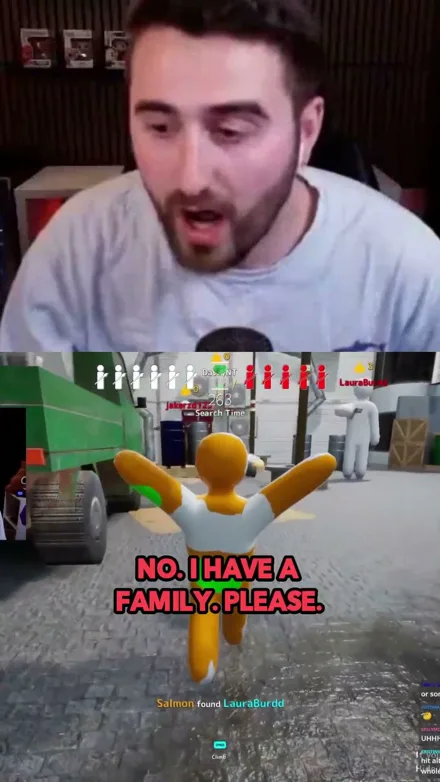
@daveynt
WHAT A GREAT GAME
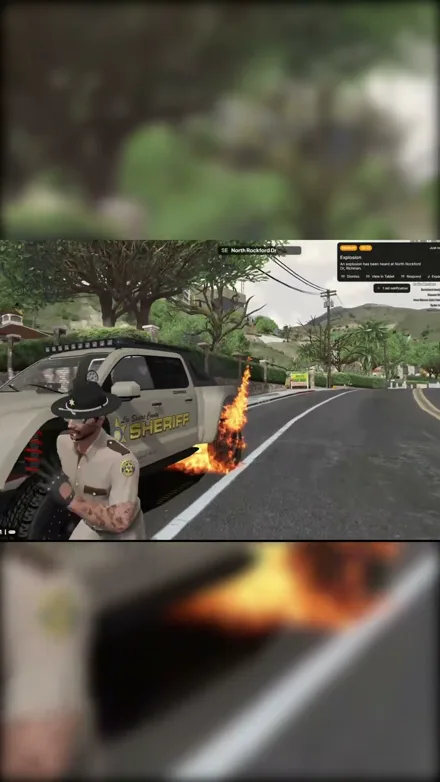
@kekosix
EXPLOSIONS!!
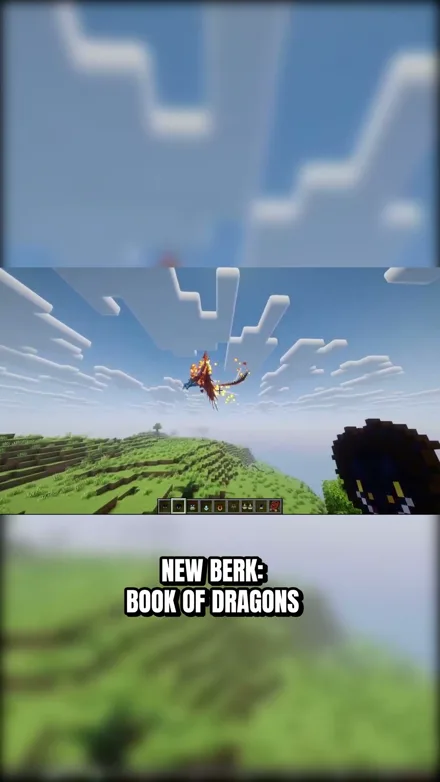
@unluckyfelis
The strongest dragon in Minecraft?
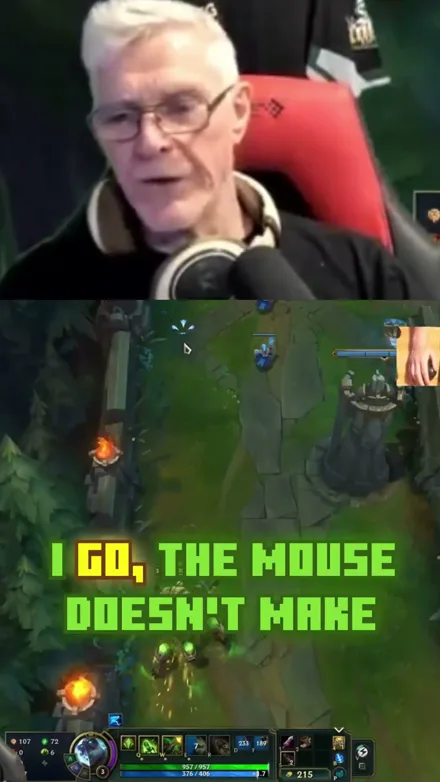
@gamerdadtv
Stop HATING on my mouse
Original sound · gamerdadtv
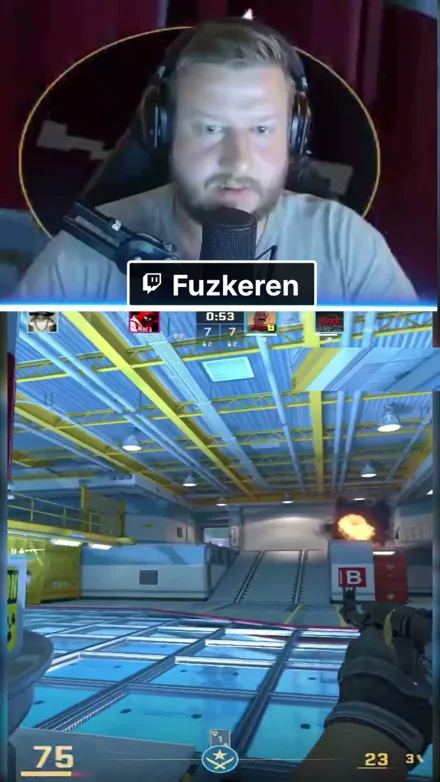
@fuzkeren
Easy 2v5 with Zakamusen
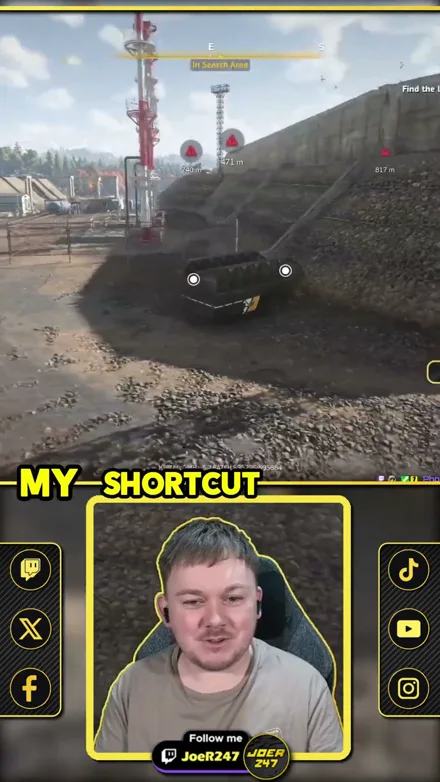
@joer247
RoadCraft Shortcut Disaster!
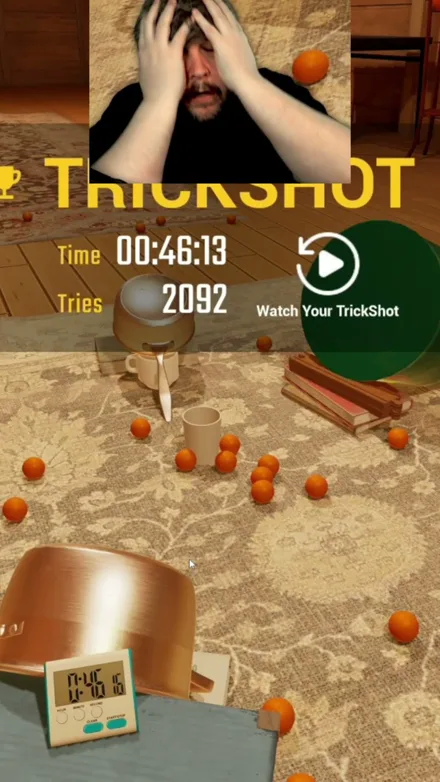
@brucecooper
Finally got the trickshot
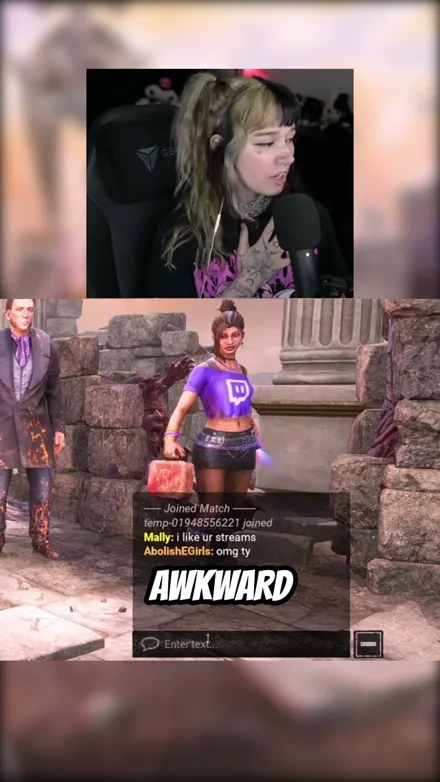
@abolishegirls
Watch me get humbled
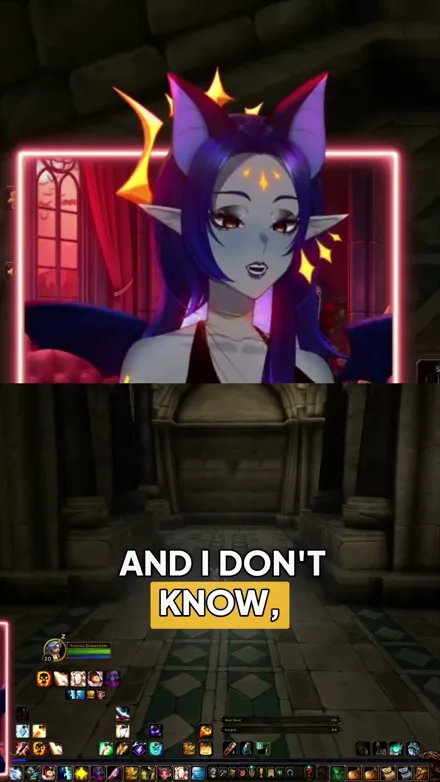
@voidqueene
Why must trolls have their grippers out?!
@gamerdadtv
I Play League With A Trackball?!
@voidqueene
The quilboars are too aggressive, I pulled everything!
@abolishegirls
So that did not go as planned...
@daveynt
WHAT A GREAT GAME
@kekosix
EXPLOSIONS!!
@unluckyfelis
The strongest dragon in Minecraft?
@gamerdadtv
Stop HATING on my mouse
Original sound · gamerdadtv
@fuzkeren
Easy 2v5 with Zakamusen
@joer247
RoadCraft Shortcut Disaster!
@brucecooper
Finally got the trickshot
@abolishegirls
Watch me get humbled
@voidqueene
Why must trolls have their grippers out?!
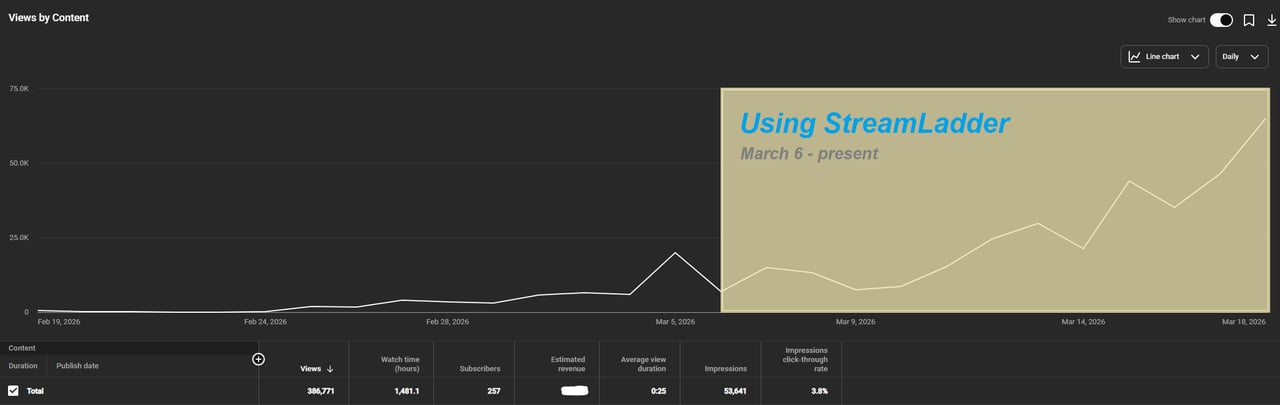
"StreamLadder's ClipGPT actually knows what clips will go viral. 48% of my sub growth from shorts was within just the last 2 weeks."

Dmack_3D
Bokaj392
SmoothestMango
Vohan

Supersonic540
NotAllergicToShrimp
that_noel
MADeightysix
Roman Gambit
Loïc Lacourt - Lo_Level31
BigTaffMan
JibbletGibbler
Richatat

Kanchi64

BigBadWolf19722
nathan_the_mad

KatsforKiowa
Da_Gipfla

killadillag_tav
Dennabeast

RealMikeTheVike
https://youtube.com/@sidechopper
BIGEXAMPL

HistoryGangster
PunkRockNova
ItsJustFreshh
Bia Bunny

Christopher Dutcher
Crunchess
daizy
Damond Rickson

RiotEmpress
Nixie

KeithLovesGaming
daizy
kevin laderriere
Rulaxalt

Metaodos
Echozday
zerofaith/kick.com
ZBMBLive
https://www.twitch.tv/bsc_rio
twitch.tv/masterjoful

youtube.com/thestizzness
tiktok.com/@captainquain
DoubleNexus
https://www.twitch.tv/itzbuddytv
https://www.twitch.tv/dice_gaminggbr
Twitch.tv/daddymacgaming50474
www.twitch.tv/ishigonite
Dmack_3D
Bokaj392
SmoothestMango
Vohan
Supersonic540
NotAllergicToShrimp
that_noel
MADeightysix
Roman Gambit
Loïc Lacourt - Lo_Level31
BigTaffMan
JibbletGibbler
Richatat
Kanchi64
BigBadWolf19722
nathan_the_mad
KatsforKiowa
Da_Gipfla
killadillag_tav
Dennabeast
RealMikeTheVike
https://youtube.com/@sidechopper
BIGEXAMPL
HistoryGangster
PunkRockNova
ItsJustFreshh
Bia Bunny
Christopher Dutcher
Crunchess
daizy
Damond Rickson
RiotEmpress
Nixie
KeithLovesGaming
daizy
kevin laderriere
Rulaxalt
Metaodos
Echozday
zerofaith/kick.com
ZBMBLive
https://www.twitch.tv/bsc_rio
twitch.tv/masterjoful
youtube.com/thestizzness
tiktok.com/@captainquain
DoubleNexus
https://www.twitch.tv/itzbuddytv
https://www.twitch.tv/dice_gaminggbr
Twitch.tv/daddymacgaming50474
www.twitch.tv/ishigonite
FAQ
Frequently asked questions
No - StreamLadder publishes to Facebook Pages. Connect a Page you manage and your clips go out as Reels on that Page.
Facebook scheduling is included in every paid plan, starting with Starter.
A title of up to 120 characters, a description of up to 2,200 characters, and an AI-generated content disclosure when it applies.
Yes - schedule the same clip to Facebook, Instagram, TikTok, YouTube, and X in one session from the Content Publisher.