Auto detect and frame your facecam or avatar in clips
ClipGPT finds your facecam or avatar in stream footage and automatically frames it in vertical clips. No manual positioning needed.
Facecam Detection
Your reactions are why people watch - keep them in frame
Facecam detection finds your webcam feed in the stream layout - regardless of size, position, or overlay style - and locks it in frame when you crop to vertical. No dragging, no resizing, no guessing whether your face got cut off. The AI tracks your facecam frame by frame, so even if you move, lean back, or switch scenes, you're still perfectly framed.
Combined with AI clipping, your best moments arrive in the editor already cropped to 9:16 with your face in the right spot. V-Tubers and avatar streamers are fully supported too - the detection works with any on-screen persona.
Your face is what makes your clips personal. The laughs, the rage, the disbelief, the "did that just happen" look - those reactions are what drive engagement on TikTok, Reels, and Shorts. Without facecam detection, half your vertical clips end up with your face cropped out or awkwardly positioned.
Clips come out with your facecam locked in frame, captions and hashtags already applied, ready to schedule directly to your platforms. Want to adjust the framing? The Clip Editor lets you fine-tune - but most clips are ready to post as-is.
Facecam Detection
How Facecam Detection works
Your face perfectly framed in every vertical clip.

01

Import your clip
Upload a stream clip or select from your ClipGPT highlights.
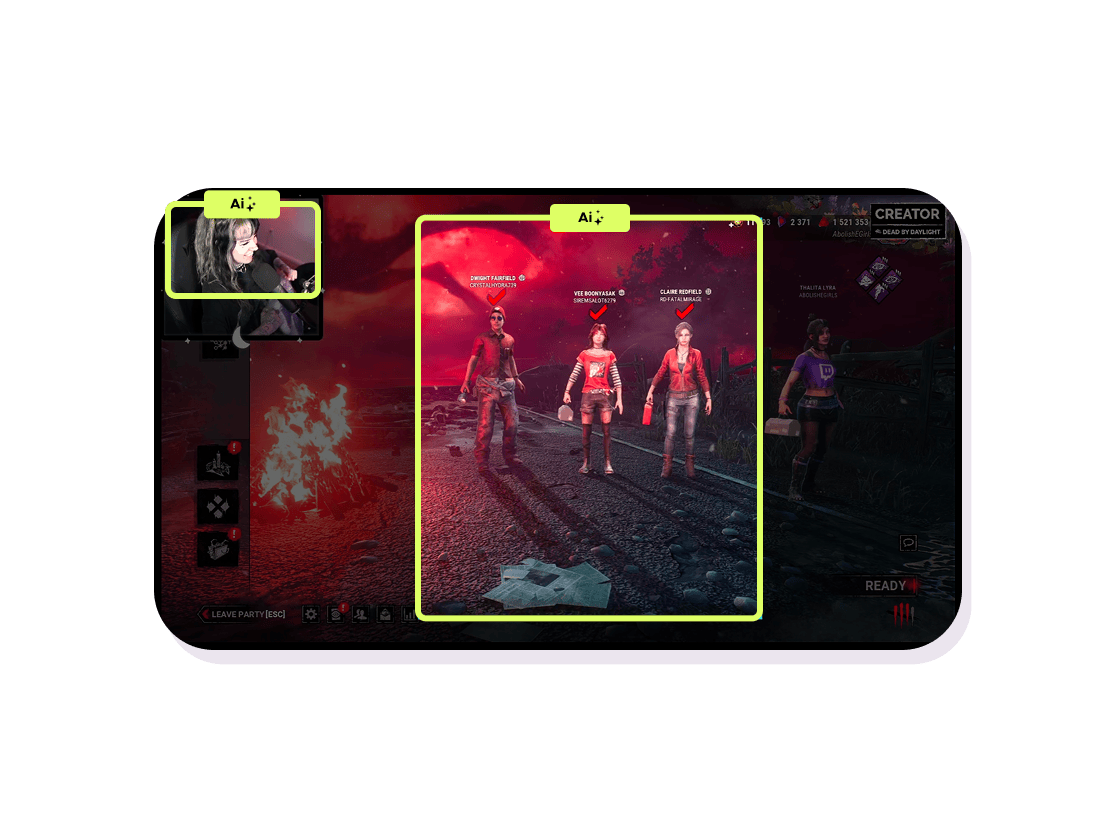
02
AI detects facecam
ClipGPT identifies your facecam or avatar position and size automatically.
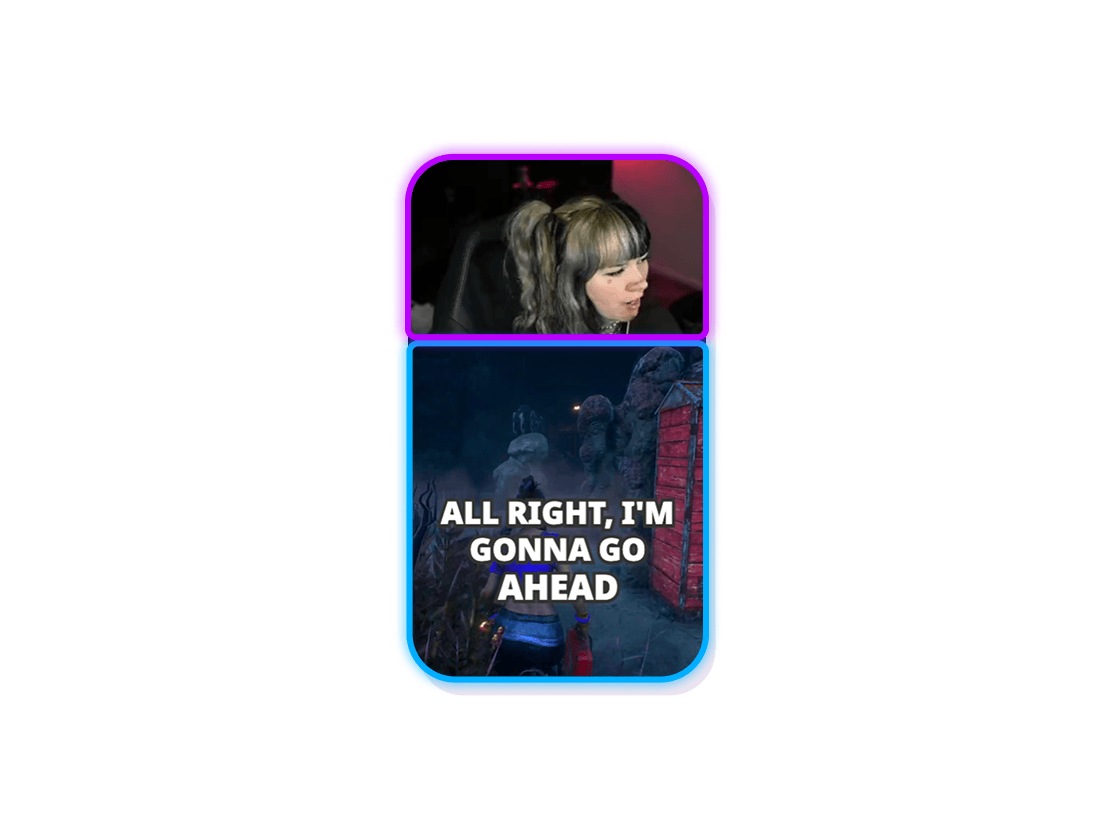
03
Perfect framing
Your facecam is positioned in the vertical layout for maximum engagement. Adjust if needed.
ClipGPT
Never mis-frame your facecam again
ClipGPT finds your facecam in stream footage and automatically frames it in vertical clips. No manual positioning needed.
Zero manual positioning
The AI finds your facecam or avatar automatically - any size, any corner, any overlay style. No dragging or resizing.
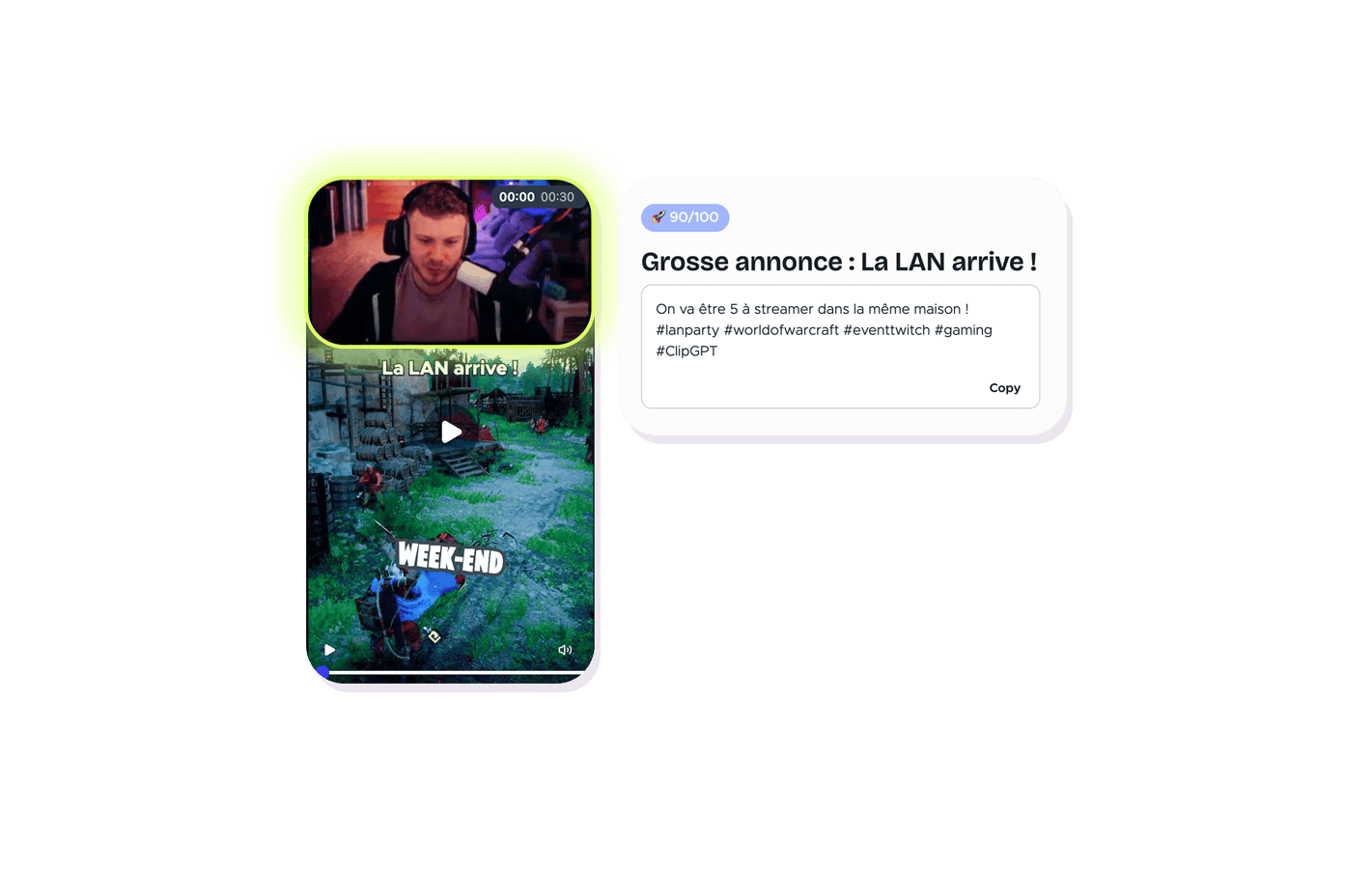
Frame-by-frame tracking
Your facecam stays perfectly framed even if you move, resize, or switch scenes during the clip.
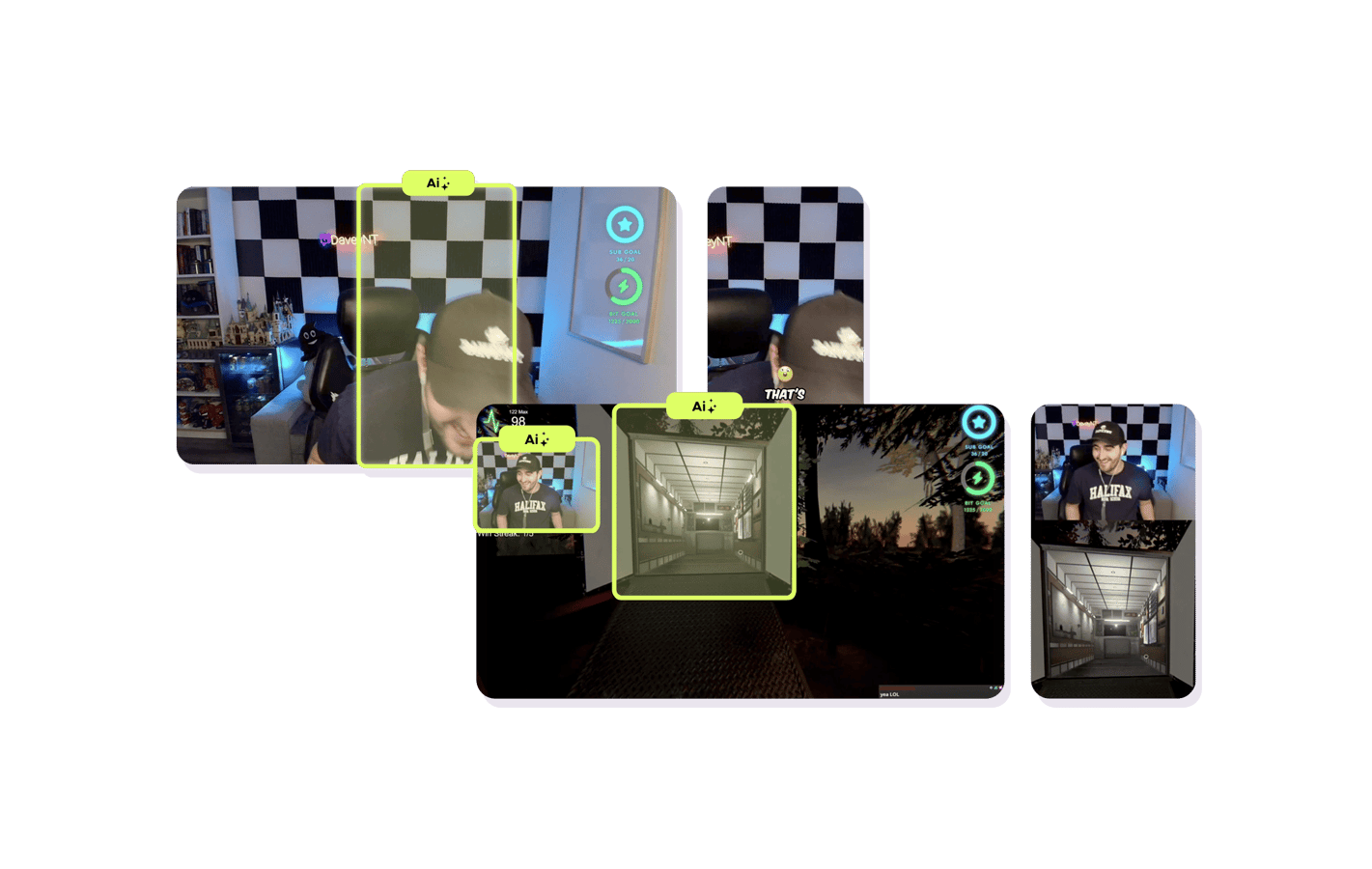
Reactions front and center
Your face - or avatar - drives engagement. Facecam detection puts your reactions where viewers see them first. Works with webcams and V-Tuber models alike.

Explore ClipGPT features
11 million clips made by 1 million streamers
Real clips made by real creators using StreamLadder - totalling over a hundred million views.

AhmetZone
Kai Standing Next To Basketball Players

@SomethingAboutChickens
Something About Chickens
Original sound · SomethingAboutChickens
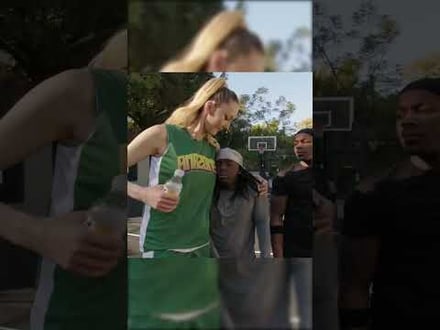
AhmetZone
LIL BRO

@Stormwynne
EVIL DEER - Pumpkin Panic
Original sound · Stormwynne
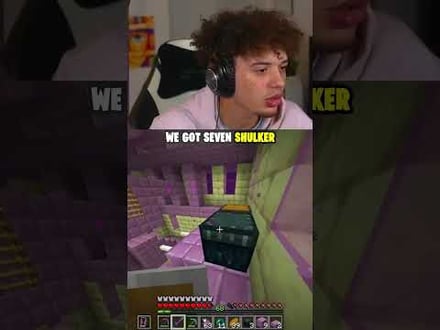
JKPlays
guess my IQ

@Bobby Plays
COD Points the cheap way
Original sound · Bobby Plays

TheJuiceDen
xQc Reacts to LEGO Car VS. Growing Wall

Ubietoo
Greatest goal ever scored
Original sound · Ubietoo
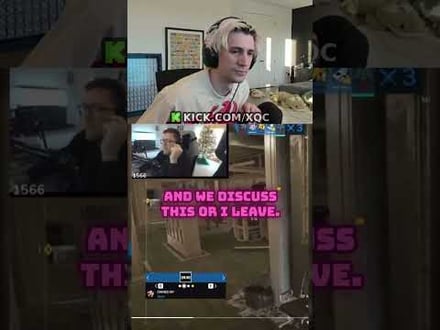
TheJuiceDen
Divorce any% Speedrun

@Payzren
Mistaken for a voice actor
Original sound · Payzren
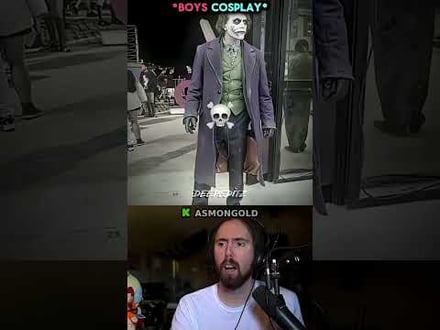
AsmonEnjoyer
Girls Cosplays VS Boys Cosplays

@Shaafes_
Hilarious Extraction Fail
Original sound · Shaafes_
AhmetZone
Kai Standing Next To Basketball Players
@SomethingAboutChickens
Something About Chickens
Original sound · SomethingAboutChickens
AhmetZone
LIL BRO
@Stormwynne
EVIL DEER - Pumpkin Panic
Original sound · Stormwynne
JKPlays
guess my IQ
@Bobby Plays
COD Points the cheap way
Original sound · Bobby Plays
TheJuiceDen
xQc Reacts to LEGO Car VS. Growing Wall
Ubietoo
Greatest goal ever scored
Original sound · Ubietoo
TheJuiceDen
Divorce any% Speedrun
@Payzren
Mistaken for a voice actor
Original sound · Payzren
AsmonEnjoyer
Girls Cosplays VS Boys Cosplays
@Shaafes_
Hilarious Extraction Fail
Original sound · Shaafes_
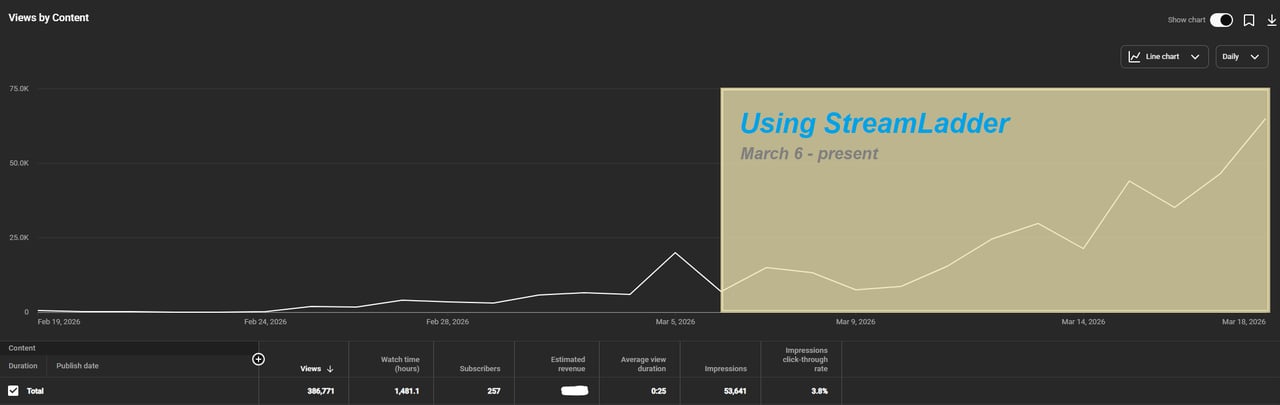
"StreamLadder's ClipGPT actually knows what clips will go viral. 48% of my sub growth from shorts was within just the last 2 weeks."


Bokaj392

SmoothestMango

Vohan

Supersonic540
NotAllergicToShrimp
that_noel
MADeightysix

Roman Gambit

Loïc Lacourt - Lo_Level31

BigTaffMan

JibbletGibbler
Richatat

Kanchi64

BigBadWolf19722
nathan_the_mad

KatsforKiowa

Da_Gipfla

killadillag_tav

Dennabeast

RealMikeTheVike

https://youtube.com/@sidechopper

BIGEXAMPL

HistoryGangster
PunkRockNova

ItsJustFreshh
Bia Bunny

Christopher Dutcher

Crunchess
daizy
Damond Rickson

RiotEmpress

Nixie

KeithLovesGaming
daizy

kevin laderriere
Rulaxalt

Metaodos

Echozday

zerofaith/kick.com

ZBMBLive

https://www.twitch.tv/bsc_rio
twitch.tv/masterjoful

youtube.com/thestizzness

tiktok.com/@captainquain
DoubleNexus

https://www.twitch.tv/itzbuddytv

https://www.twitch.tv/dice_gaminggbr
Twitch.tv/daddymacgaming50474

www.twitch.tv/ishigonite

https://www.twitch.tv/gemstonelive
Bokaj392
SmoothestMango
Vohan
Supersonic540
NotAllergicToShrimp
that_noel
MADeightysix
Roman Gambit
Loïc Lacourt - Lo_Level31
BigTaffMan
JibbletGibbler
Richatat
Kanchi64
BigBadWolf19722
nathan_the_mad
KatsforKiowa
Da_Gipfla
killadillag_tav
Dennabeast
RealMikeTheVike
https://youtube.com/@sidechopper
BIGEXAMPL
HistoryGangster
PunkRockNova
ItsJustFreshh
Bia Bunny
Christopher Dutcher
Crunchess
daizy
Damond Rickson
RiotEmpress
Nixie
KeithLovesGaming
daizy
kevin laderriere
Rulaxalt
Metaodos
Echozday
zerofaith/kick.com
ZBMBLive
https://www.twitch.tv/bsc_rio
twitch.tv/masterjoful
youtube.com/thestizzness
tiktok.com/@captainquain
DoubleNexus
https://www.twitch.tv/itzbuddytv
https://www.twitch.tv/dice_gaminggbr
Twitch.tv/daddymacgaming50474
www.twitch.tv/ishigonite
https://www.twitch.tv/gemstonelive
FAQ
Frequently asked questions
Yes - the AI detects facecams regardless of position (top-left, top-right, bottom, etc.) and size.
The detection tracks your facecam frame by frame, so it handles movement and transitions.
Yes - the detection works with any on-screen persona, including V-Tuber models, PNGTubers, and animated avatars. If it's visible in your stream layout, the AI will find and frame it.
Facecam detection is part of ClipGPT, which is included in the Creator and Pro plans.