Create a streaming schedule your viewers can count on
Build a weekly schedule graphic in seconds. Choose a template, set your times, and share the image on social media or your channel page.
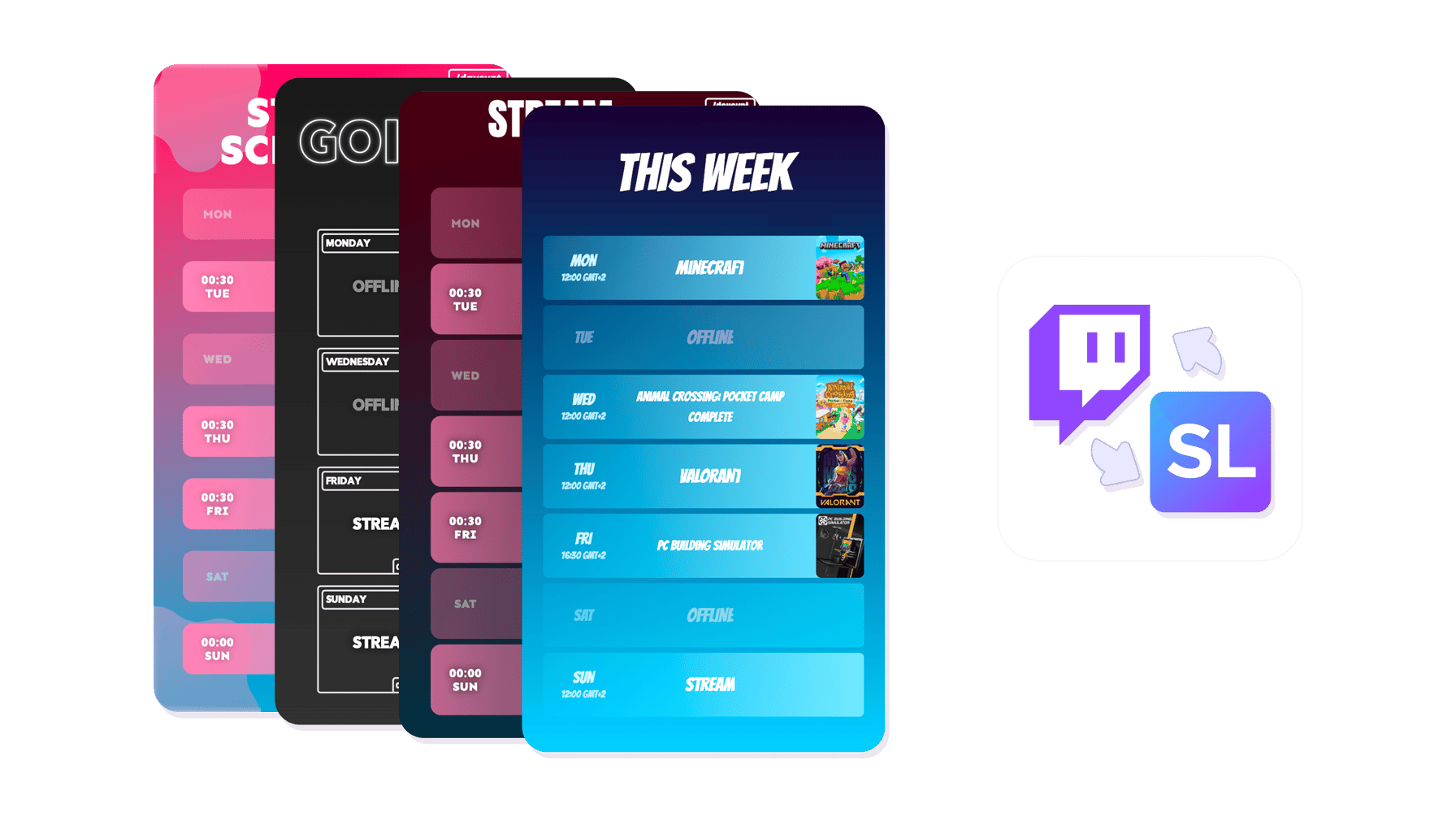
Schedule Maker
Schedule Maker features
Build a schedule graphic in seconds
Pick a template, set your times, customize your brand - done. Share anywhere.
Ready-Made Templates
Dozens of schedule templates built for streamers - from minimal and clean to bold and gaming-themed. Preview any template with your actual stream times before committing.
Custom Branding
Enter your exact hex codes, add your channel logo or avatar, and pick fonts that match your style. Every template is fully yours.
Multi-Platform Sizes
Download in every size - Twitter header, Twitch panel, Instagram post, or Discord banner. Every platform covered in one export.
Show When You Stream
Set stream days and times, add game titles or content categories, and skip days off. Your viewers always know when to tune in.
Easy Updates
Your schedule is saved to your account. Change a stream time or skip a day and re-share the updated image in seconds.
Instant Sharing
Download at full resolution or share a direct link. Post your schedule to Twitter, Discord, or your Twitch channel page without any extra steps.
Build a streaming schedule your audience can rely on
Pick from dozens of schedule templates designed for streamers. Set your stream days and times, add game titles or categories, and download the image. Share it on Twitter, Discord, or your Twitch panels.
Customize colors, fonts, and branding to match your channel. Update your schedule anytime - change a stream time, skip a day, and re-share in seconds. Pair it with the Content Publisher to keep your social feeds active between streams.
Schedule Maker
How the Schedule Maker works
Three steps and your streaming schedule is live on every platform.
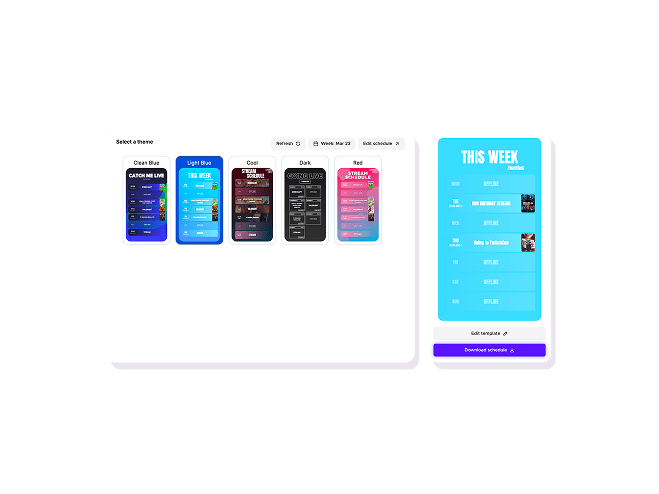
01

Pick a template
Browse schedule templates and choose one that fits your style. Each template is fully customizable after you select it.
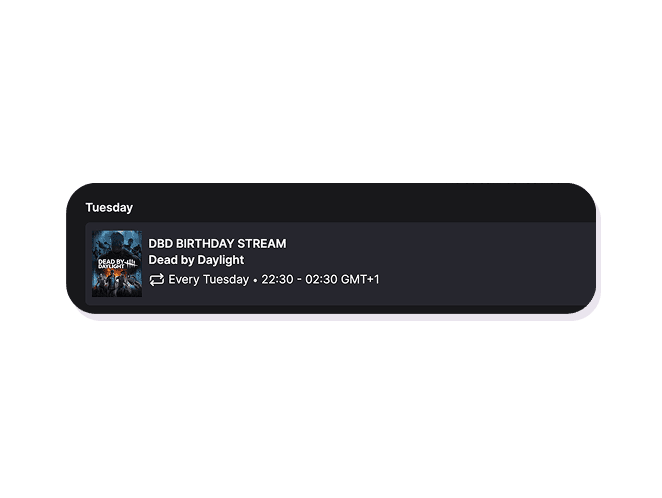
02
Set your stream times
Fill in the days and times you stream. Add game titles or content categories if you want to give viewers a preview.
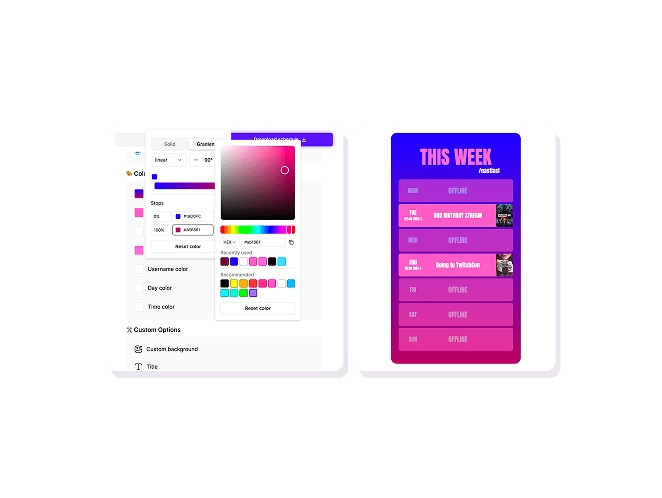
03
Customize and share
Adjust colors, fonts, and branding. Download the image or share directly to social media and your Twitch channel page.
Schedule Maker
Your schedule, your brand
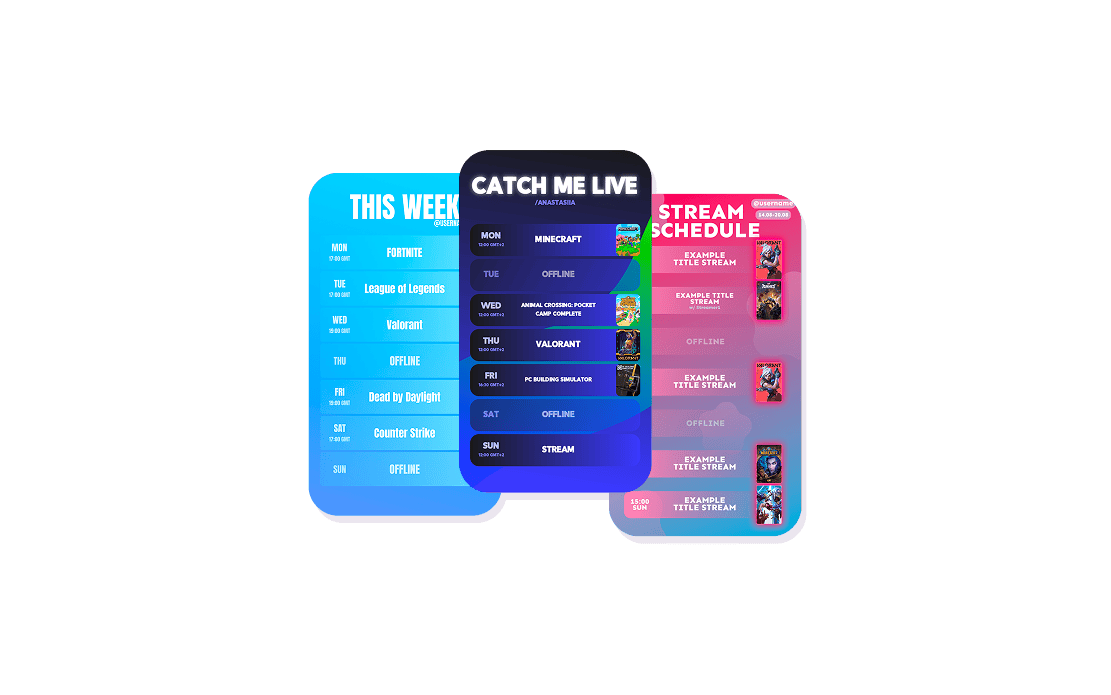
Ready-made templates for every streamer style
Browse dozens of schedule templates designed for streamers - from minimal and clean to bold and gaming-themed. Preview any template with your actual stream times before committing.
Customize colors and branding to match your channel
Enter your exact hex codes, add your channel logo or avatar, and pick fonts that match your style. The template handles the layout - you just make it yours.
Download and share anywhere in one click
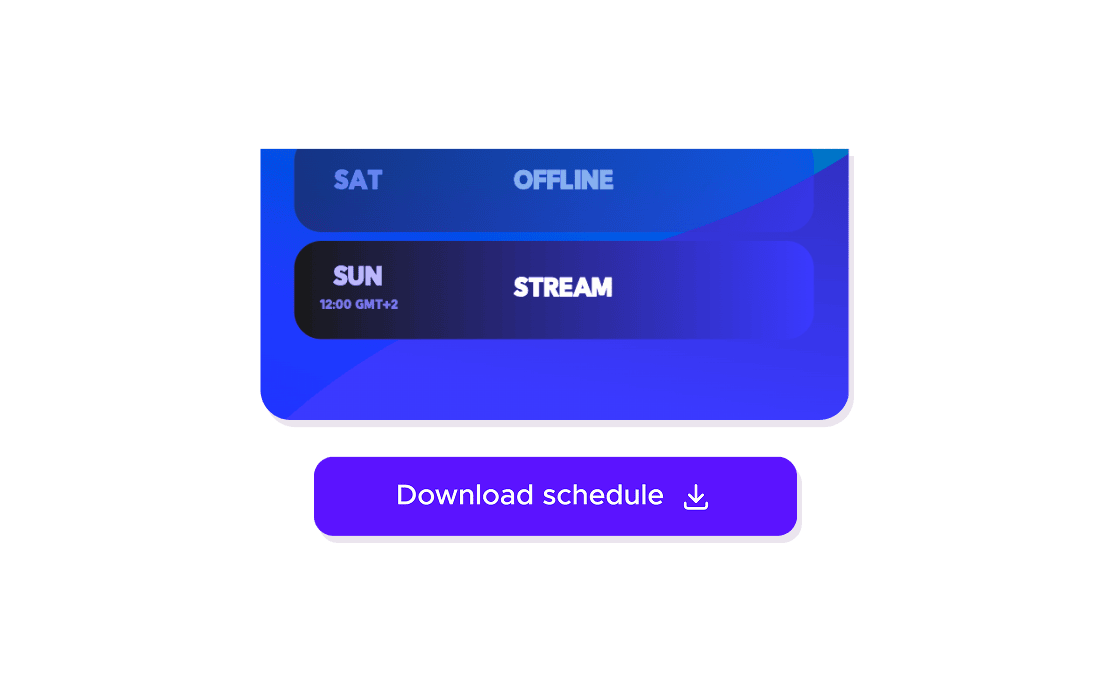
Download in the size you need - Twitter header, Twitch panel, Instagram post, or Discord banner. Saved to your account so you can update and re-share whenever your schedule changes.
Explore Schedule Maker features
11 million clips made by 1 million streamers
Real clips made by real creators using StreamLadder - totalling over a hundred million views.
AhmetZone
Kai Standing Next To Basketball Players

@SomethingAboutChickens
Something About Chickens
Original sound · SomethingAboutChickens
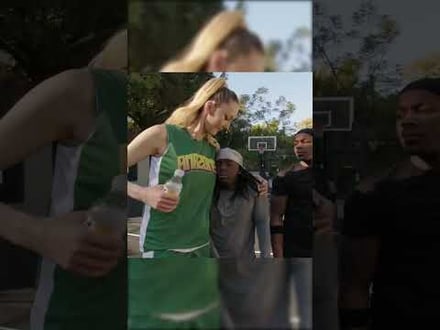
AhmetZone
LIL BRO

@Stormwynne
EVIL DEER - Pumpkin Panic
Original sound · Stormwynne
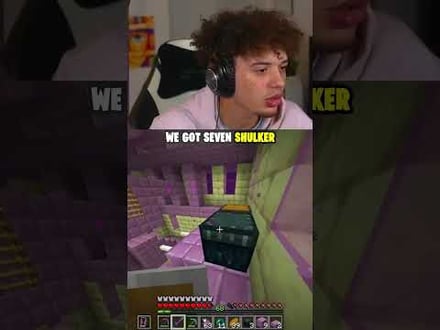
JKPlays
guess my IQ

@Bobby Plays
COD Points the cheap way
Original sound · Bobby Plays
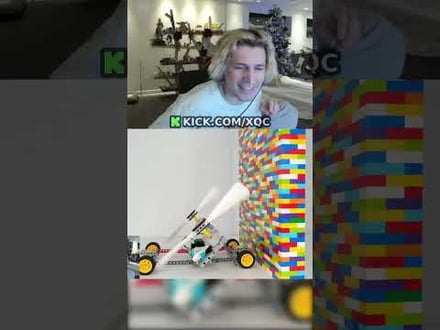
TheJuiceDen
xQc Reacts to LEGO Car VS. Growing Wall

Ubietoo
Greatest goal ever scored
Original sound · Ubietoo
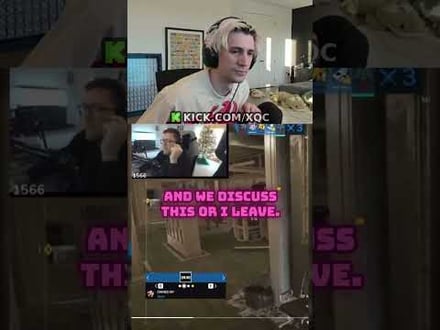
TheJuiceDen
Divorce any% Speedrun

@Payzren
Mistaken for a voice actor
Original sound · Payzren
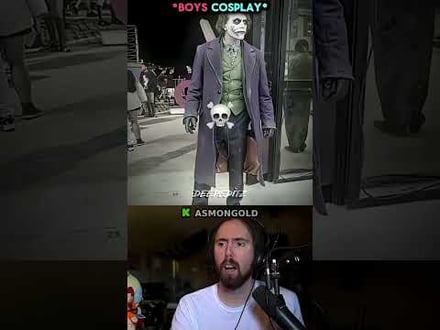
AsmonEnjoyer
Girls Cosplays VS Boys Cosplays

@Shaafes_
Hilarious Extraction Fail
Original sound · Shaafes_
AhmetZone
Kai Standing Next To Basketball Players
@SomethingAboutChickens
Something About Chickens
Original sound · SomethingAboutChickens
AhmetZone
LIL BRO
@Stormwynne
EVIL DEER - Pumpkin Panic
Original sound · Stormwynne
JKPlays
guess my IQ
@Bobby Plays
COD Points the cheap way
Original sound · Bobby Plays
TheJuiceDen
xQc Reacts to LEGO Car VS. Growing Wall
Ubietoo
Greatest goal ever scored
Original sound · Ubietoo
TheJuiceDen
Divorce any% Speedrun
@Payzren
Mistaken for a voice actor
Original sound · Payzren
AsmonEnjoyer
Girls Cosplays VS Boys Cosplays
@Shaafes_
Hilarious Extraction Fail
Original sound · Shaafes_
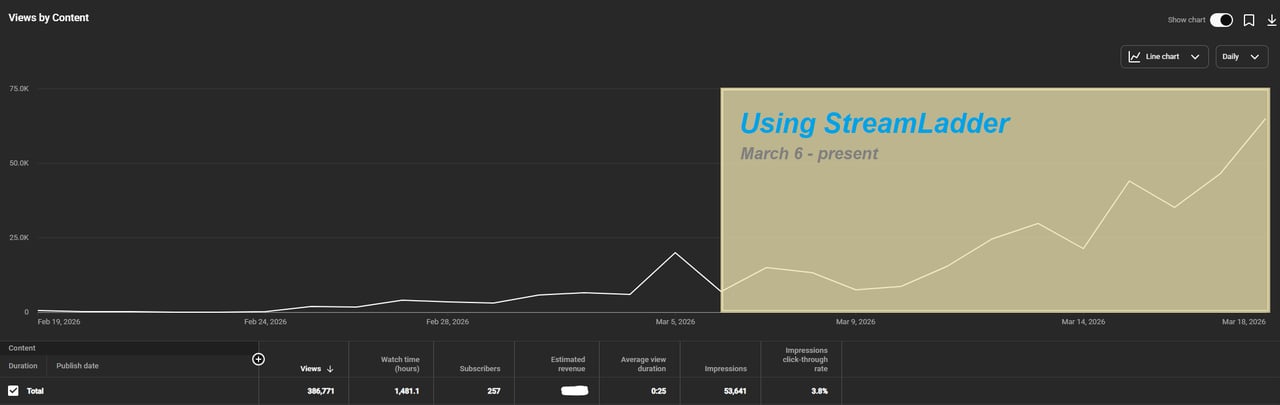
"StreamLadder's ClipGPT actually knows what clips will go viral. 48% of my sub growth from shorts was within just the last 2 weeks."

Bokaj392

SmoothestMango
Vohan

Supersonic540
NotAllergicToShrimp
that_noel
MADeightysix
Roman Gambit
Loïc Lacourt - Lo_Level31
BigTaffMan

JibbletGibbler
Richatat
Kanchi64

BigBadWolf19722
nathan_the_mad
KatsforKiowa
Da_Gipfla

killadillag_tav

Dennabeast

RealMikeTheVike
https://youtube.com/@sidechopper
BIGEXAMPL

HistoryGangster
PunkRockNova
ItsJustFreshh
Bia Bunny

Christopher Dutcher
Crunchess
daizy
Damond Rickson
RiotEmpress
Nixie

KeithLovesGaming
daizy
kevin laderriere
Rulaxalt

Metaodos

Echozday
zerofaith/kick.com
ZBMBLive
https://www.twitch.tv/bsc_rio
twitch.tv/masterjoful

youtube.com/thestizzness
tiktok.com/@captainquain
DoubleNexus
https://www.twitch.tv/itzbuddytv
https://www.twitch.tv/dice_gaminggbr
Twitch.tv/daddymacgaming50474
www.twitch.tv/ishigonite

https://www.twitch.tv/gemstonelive
Bokaj392
SmoothestMango
Vohan
Supersonic540
NotAllergicToShrimp
that_noel
MADeightysix
Roman Gambit
Loïc Lacourt - Lo_Level31
BigTaffMan
JibbletGibbler
Richatat
Kanchi64
BigBadWolf19722
nathan_the_mad
KatsforKiowa
Da_Gipfla
killadillag_tav
Dennabeast
RealMikeTheVike
https://youtube.com/@sidechopper
BIGEXAMPL
HistoryGangster
PunkRockNova
ItsJustFreshh
Bia Bunny
Christopher Dutcher
Crunchess
daizy
Damond Rickson
RiotEmpress
Nixie
KeithLovesGaming
daizy
kevin laderriere
Rulaxalt
Metaodos
Echozday
zerofaith/kick.com
ZBMBLive
https://www.twitch.tv/bsc_rio
twitch.tv/masterjoful
youtube.com/thestizzness
tiktok.com/@captainquain
DoubleNexus
https://www.twitch.tv/itzbuddytv
https://www.twitch.tv/dice_gaminggbr
Twitch.tv/daddymacgaming50474
www.twitch.tv/ishigonite
https://www.twitch.tv/gemstonelive
FAQ
Frequently asked questions
Yes - the Schedule Maker is completely free. All templates, customization options, and downloads are included at no cost.
Templates are available in sizes optimized for Twitter headers, Twitch panels, Instagram posts, and Discord banners. You can also download a general-purpose square or landscape version.
Yes - your schedule is saved to your StreamLadder account. Open it anytime to update stream times, change games, or restyle the design.
You can create a schedule without an account, but saving it for future edits requires a free StreamLadder account.
Yes - StreamLadder offers a 7-day free trial for all new users. You get full access to every paid feature and can cancel at any time if it's not for you.