Every successful streamer knows that consistency is key, and the first step toward building that consistency is letting your community know when you'll be live.
A clear, eye-catching schedule image shared across your social channels ensures your followers never miss a stream again.
Why You Need To Schedule Streams
Did you know consistency plays a huge role in trust? It accounts for up to 40% of trust judgments. When actions are predictable, people feel more secure and confident. Sticking to a streaming schedule builds trust and anticipation, making viewers more likely to show up regularly.
When viewers know exactly when to tune in, they're more likely to return, and more likely to bring friends.
Streaming without a clear schedule can confuse your audience and hurt your growth. Plus, many viewers explicitly request a weekly schedule so they can plan their watch time around yours.
Start sharing your schedule now!
Enter Schedule Maker: Your One‑Click Schedule Creator
Schedule Maker lets you design and share professional‑looking Twitch schedule graphics in seconds, no design skills required.
Key Features:
- Pre‑built templates optimized for Instagram, Twitter, Discord, and more
- Automatic timezone conversion so global fans know exactly when to show up
- Variety of designs and themes for what suits you best
- Download a PNG or share directly to your social profiles
How to create a schedule image using Streamladder's Schedule Maker?
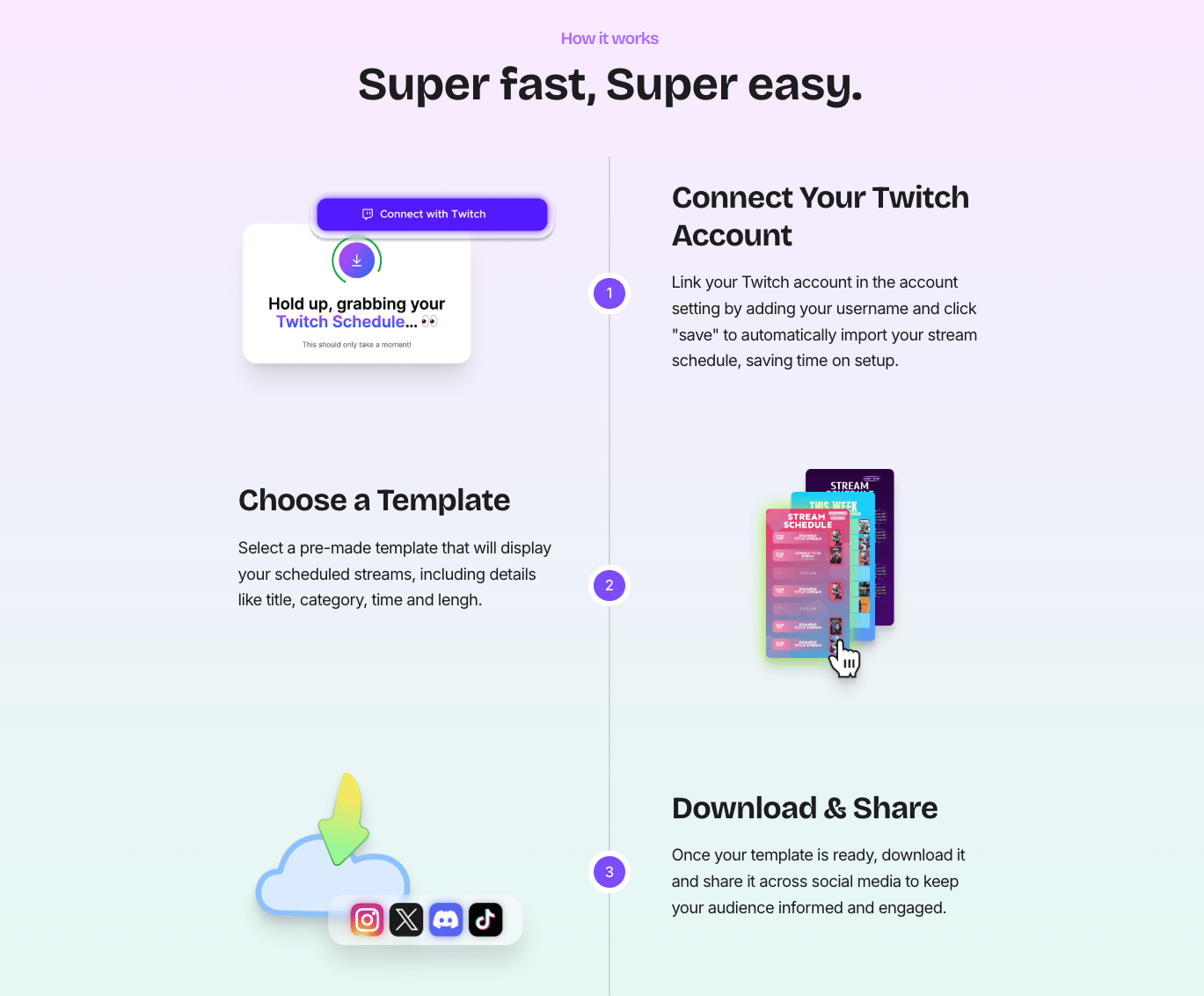
1. Connect Your Twitch Account
Link your Twitch account in the account setting by adding your username and click
"save" to automatically import your stream schedule, saving time on setup.
2. Choose a Template
Select a pre-made template that will display your scheduled streams, including details like title, category, time and length.
3. Download & Share
Once your template is ready, download it and share it across social media to keep your audience informed and engaged.
Best Practices for Twitch Schedule Posts
Do ✅ Don't ❌
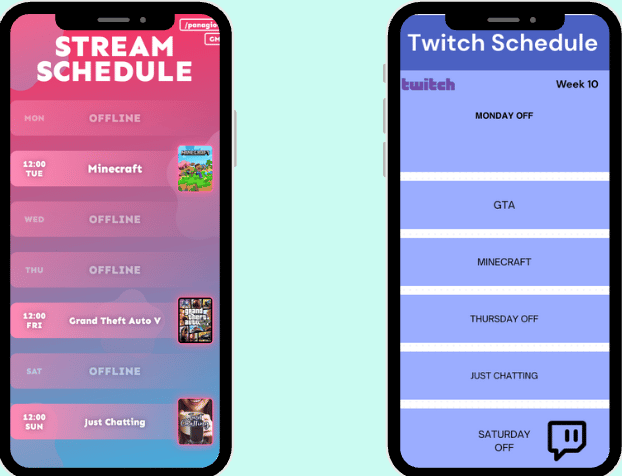
• Show day + start time (include timezone) • Boring design and confusing details
• Use clear CTA (e.g., "Catch me live") • Assume your viewers remember your schedule
• Share schedule on social media • Not promoting your stream
Schedule Templates to Try
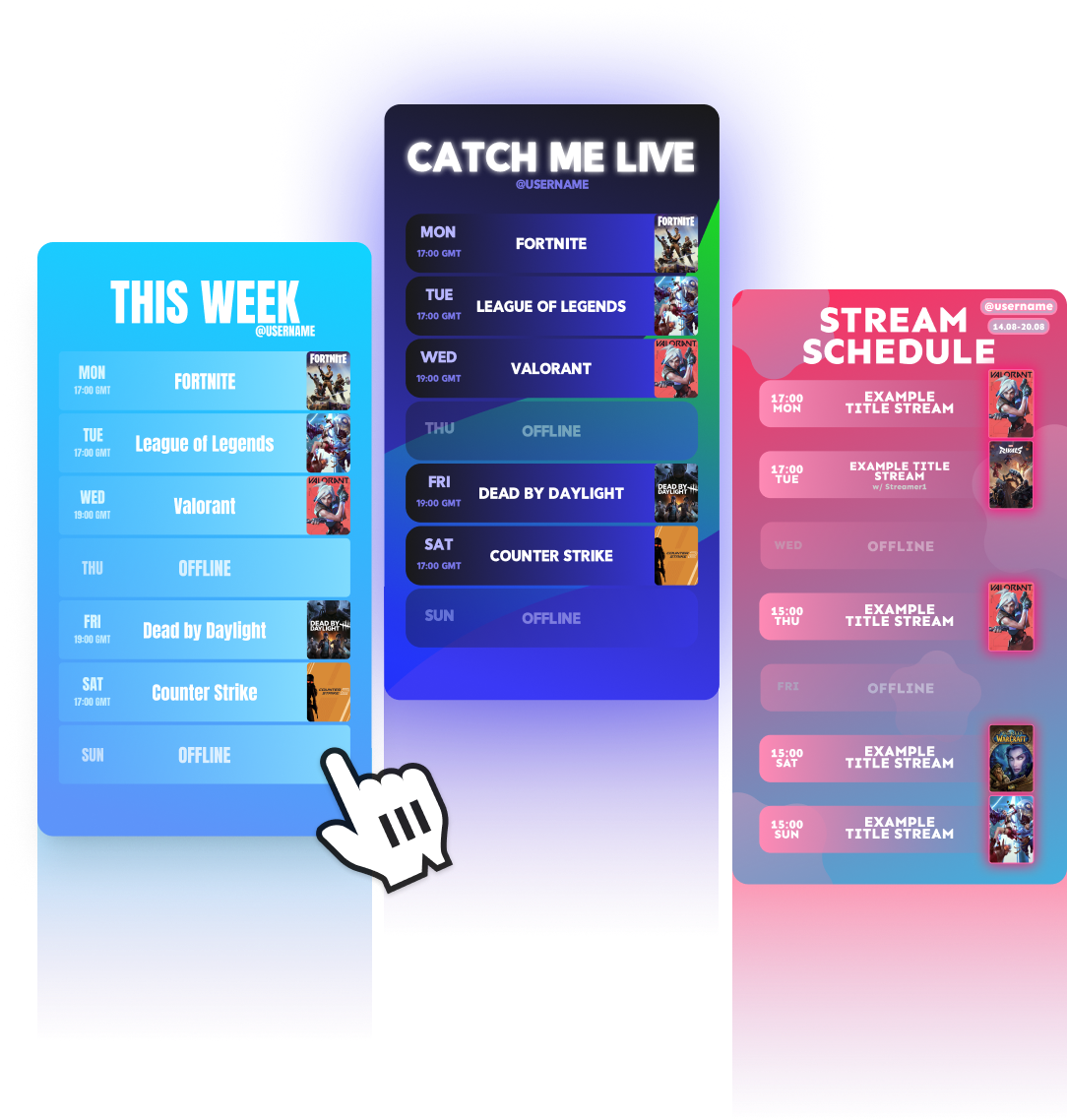
- Clean blue: Clean days‑of‑week layout with clear time slots and a bright CTA.
- Light blue: Fun and bright timetable with an eye-catching design.
- Red: Weekly schedule with soft, modern design in fun, young colors.
Customize your schedule
Customize your stream schedule exactly how you like it , hide your timezone or username, choose whether to display your stream title or game category, and personalize colors, fonts, and layout. You can even upload your own background image for a fully branded look. All your style settings are saved in your browser, so the next time you need a schedule, it's ready with your preferred setup. (Just a heads-up: custom background images won't be saved.)
.png)
Ready to Level Up Your Stream Schedule?
Spend less time designing and more time streaming. Try Schedule Maker today! Create your first Twitch schedule image for free in seconds and never miss a viewer again!