Looking to make your content stand out this Easter? Whether you're streaming on Twitch or Kick, uploading Shorts to YouTube, or posting Reels on Instagram, a festive overlay can take your video to the next level. In this blog post, we'll show you how to easily add Easter-themed overlays to your content, how to design your own, and even give you a free Easter overlay pack to get started.
Why Use Easter Overlays for Your Content?
Easter is a great opportunity to boost engagement with seasonal content. By adding a fun Easter frame, bunny ears, or animated eggs to your videos, you instantly create a more aesthetic and shareable post.
Benefits of themed overlays:
- Capture attention with bright and festive visuals
- Stay relevant with seasonal trends
- Encourage shares and reactions from your community
- Show off your creativity and personality
Download Your Free Easter Overlay Pack
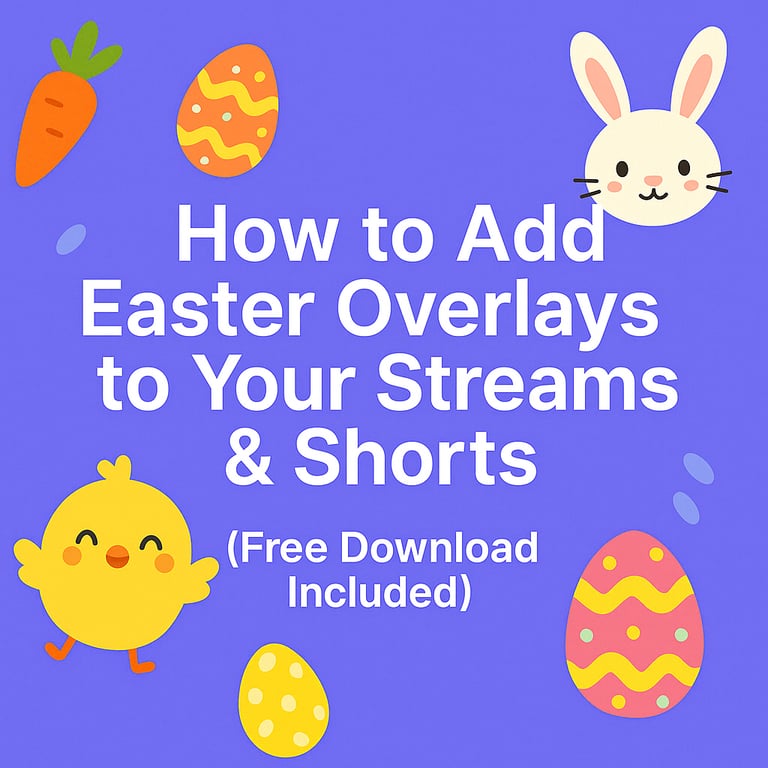
We've created a ready-to-use Easter overlay pack that you can use directly in your videos. It includes:
- Webcam frame with carrots and eggs
- Easter bunny and chick stickers
- Decorative Easter eggs and carrots
- Animated webcam frames
- Transparent PNGs for easy drag-and-drop
Download the Easter Overlay Pack Here
How to Add Overlays to Your Video with StreamLadder
StreamLadder makes it super easy to add overlays, even if you're not a video editing pro. Here's how:
- Upload your video on StreamLadder
- Go to the "Elements" section
- Upload the PNGs from the Easter pack in "Custom Elements"
- Drag and position them around your webcam or gameplay
- Export your video with festive flair!
You can also add multiple stickers, resize them, and mix them with animated effects or your logo.
Want to Create Your Own Easter Stickers?
If you want a personal touch, here are some quick tips:
- Use free tools like Canva, Figma, or Photoshop to design your elements
- Alternatively use ChatGPT prompts that can create it for you
- Stick to a color theme: pastel blues, pinks, yellows, and greens
- Keep them in .PNG format with a transparent background
- Aim for cute, minimal, and camera-friendly designs
Once created, upload them into StreamLadder!
Promote Your Seasonal Content
Once you've added your overlays, don't forget to:
- Add Easter-related hashtags to reach more users (#Easter2025, #EasterGaming, #EasterOverlay)
- Share your video in creator communities
- Add your overlay to your stream alerts or webcam frame
Ready to Hop Into Easter Content?
With our free Easter overlay pack and a few creative tweaks, your next video can become the perfect holiday hit. Whether you're a streamer, content creator, or social media manager, adding a little festive fun can go a long way.
Click here to download your free Easter Overlay Pack
Happy Creating and Happy Easter! 🐰